A website can look healthy in an SEO tool and still lose valuable organic traffic. The opposite happens too: a crawler flags hundreds of warnings that barely affect the business.
That is why I don’t start by fixing everything marked red. My SEO audit checklist starts with a simpler question: What is actually holding this website back?
Before I rewrite content, change a title tag, install a plugin, or touch a URL, I want to understand what is working, what is broken, and what could be lost. Here’s the order I follow.
Key Takeaways
- Measure existing search performance before making changes.
- Check whether important pages can be found, crawled, and indexed.
- Match content to search intent before rewriting it.
- Prioritize fixes by impact, confidence, effort, and risk, not an automated audit score.
My SEO Audit Checklist: The Checks I Make First
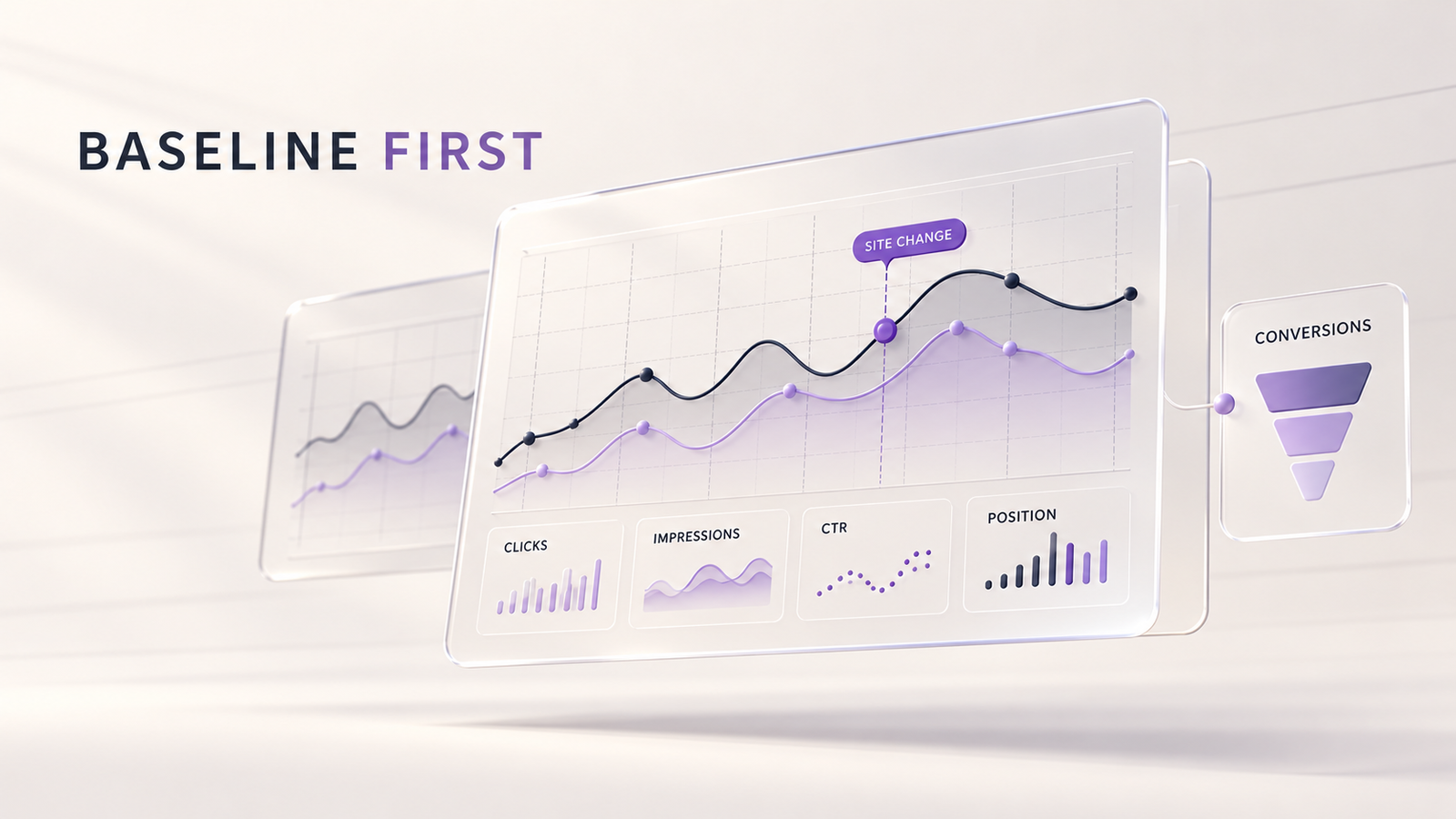
1. I Establish a Search Performance Baseline
I begin with Google Search Console, not an SEO plugin’s health score.
I compare recent performance with the previous period and, when seasonality matters, the same period last year. I look at clicks, impressions, click-through rate (CTR), and average position for individual pages and queries.
A drop on one valuable service page can hide inside a perfectly normal-looking sitewide chart.
Then I check Google Analytics 4. Which organic landing pages bring enquiries, purchases, or other meaningful actions? Are those events tracked correctly?
I also note recent redesigns, migrations, content changes, tracking changes, and outages. Without that context, it is easy to diagnose the wrong problem.
2. I Identify the Pages That Matter to the Business
Not every URL deserves equal attention.
I map the homepage, important services or products, high-performing articles, and pages supporting actual customer decisions. Then I compare their purpose with what people search for.
A blog attracting thousands of visitors may be useful. But if an important service page is invisible for relevant queries, that might deserve attention first.
I also note pages that must be protected during any changes. Existing rankings, conversions, and backlinks are assets, not just numbers in a report.
3. I Check Crawling and Indexing
Next, I use a crawler alongside Search Console’s Page indexing report and URL Inspection.
I look for:
- Important pages blocked by
robots.txt, markednoindex, or returning errors. - Indexed pages that should not be appearing in search.
- Sitemap URLs that redirect, fail, or are intentionally excluded.
- Pages Google treats as duplicates or selects under a different canonical URL.
An excluded page is not automatically a problem. A thank-you page may not need indexing; a primary service page usually does.
For WordPress-specific checks, I have a separate technical SEO guide for WordPress.
4. I Review URLs, Redirects, and Canonicals
I check for broken links, redirect chains, outdated URLs, inconsistent HTTPS versions, and canonical tags pointing to the wrong page.
One mistake I try to avoid is changing URLs just to make them shorter. An established URL may already have search visibility and valuable incoming links.
If a page must move, I map its old address to the most relevant replacement before making the change. I cover that process in my guide to redesigning a website without losing SEO rankings.
5. I Compare Search Intent With the Actual Content
This is where I spend time thinking instead of ticking boxes.
What does someone really want when they search for a topic? A quick answer, a tutorial, a comparison, or a service provider?
I review the page’s title, H1, subheadings, main answer, examples, and calls to action. Then I compare them with the queries already bringing impressions.
If a page ranks for informational searches but reads like a sales pitch, its content may be mismatched. If two pages target the same intent, I assess whether they should be differentiated, consolidated, or left alone.
More keywords and longer paragraphs are not automatically improvements.
6. I Follow the Internal Links
A useful page can be technically indexable and still be difficult to discover.
I look for orphan pages, broken internal links, vague anchors, and important pages buried too deeply in the structure. I check whether related articles lead readers toward useful guides or relevant services.
I also review meaningful referring links and any important backlinks lost from priority pages. I don’t treat every low-quality backlink warning as a crisis.
My rule is simple: a link should help someone understand the next step. If it exists only to repeat a keyword, it probably does not belong there.
7. I Test the Real Website Experience
I check mobile layouts, navigation, intrusive popups, accessibility basics, and whether visitors can complete important actions.
For performance, I review Core Web Vitals: Largest Contentful Paint (LCP), Interaction to Next Paint (INP), and Cumulative Layout Shift (CLS). I compare real-user data with lab diagnostics when available.
And I test more than the homepage. A service page can behave very differently from a blog template.
I explain the performance side in my WordPress speed optimization checklist.
8. I Check Trust, Content Quality, and AI Search Readiness
Search is changing, but the fundamentals have not disappeared.
I review whether content is accurate, genuinely useful, clearly attributed, updated when needed, and supported with examples or sources. I also check appropriate structured data, without assuming schema guarantees rich results.
Google’s guidance for AI search reinforces the value of original content and a clear, crawlable website. It does not require a special AI-only file or markup for visibility in Google’s AI features.
That connects with something I discussed in why Google Search is changing: original perspective matters more than publishing another generic explanation.
9. I Prioritize Changes Before Touching the Website
At the end, I separate findings into three groups:
- Critical: Important pages cannot be accessed, indexed, or used correctly.
- High impact: Valuable pages have clear intent gaps, weak linking, or conversion problems.
- Improvements: Metadata refinements, minor markup issues, and low-impact warnings.
For each change, I record the affected URL, evidence, expected benefit, risk, and how I will measure the outcome. High-risk changes get a backup, a redirect plan, or staging tests as appropriate.
Then I implement in manageable groups and monitor results. Otherwise, if performance changes, it becomes difficult to know why.

Quick SEO Audit Checklist Before Making Changes
- Record organic clicks, impressions, conversions, and top landing pages.
- Identify business-critical pages and existing winners.
- Inspect indexing, crawl errors, robots directives, and sitemaps.
- Review canonicals, redirects, status codes, and broken links.
- Match each priority page to a clear search intent.
- Check content quality, titles, headings, and duplication.
- Review internal links and important page discoverability.
- Test mobile usability, Core Web Vitals, and conversion paths.
- Document findings, priorities, risks, and expected outcomes.
- Recheck the same metrics after implementation.
Frequently Asked Questions
What is an SEO audit checklist?
An SEO audit checklist is a structured set of checks covering search performance, crawling, indexing, content, site structure, usability, and measurement. Its purpose is to identify what needs attention before changes are made.
How often should I perform an SEO audit?
I review Search Console regularly and run a deeper audit after major redesigns, migrations, unexplained traffic changes, or substantial content updates. For a stable website, a periodic review based on its size and activity is usually enough.
Which tools do I use for an SEO audit?
Google Search Console, GA4, PageSpeed Insights, and a site crawler cover much of the initial work. Other tools can help with keyword research and backlinks, but no tool replaces reviewing the actual website.
Should I fix every SEO audit error?
No. Some warnings are harmless or intentional. I prioritize issues affecting important pages, users, and business goals. Fixing every warning can waste time and sometimes introduce new problems.
Can an SEO audit improve rankings?
An audit itself does not improve rankings. It provides evidence for better decisions. Fixing genuine technical problems, aligning content with search intent, and improving user experience may help performance, but results are never guaranteed.
Final Thoughts
For me, SEO auditing is about understanding a website before trying to improve it.
A checklist helps you stay consistent. The real value comes from knowing which findings matter, which pages need protection, and which changes are worth making.
Understand first. Change second. Measure afterward.