A WordPress website can look polished and still struggle in search. The problem may be an indexing setting, broken redirect, duplicate URL, or an important page search engines cannot find.
That is where technical SEO comes in.
I treat technical SEO as part of building and maintaining a business website, not something to fix only after traffic drops. Here is my practical checklist.
What Is Technical SEO in WordPress?
Technical SEO helps search engines access, understand, and index the right pages. It covers crawling, site structure, redirects, canonical URLs, performance, and structured data.
WordPress provides a useful starting point, but an SEO plugin alone cannot fix problems with hosting, themes, and configuration.
1. Make Sure Google Can Crawl and Index the Website
I start here, especially after moving a website from staging to production.
For a new site, this is also one of the checks in my website launch checklist.
Open Settings > Reading and make sure Discourage search engines from indexing this site is unchecked on your public website.
Inspect important URLs in Google Search Console. Check accessibility, indexing status, and Google’s selected canonical.
Also review:
-
robots.txtrules that may block important sections. -
Accidental
noindextags on service pages or blog posts. -
Password protection, security plugins, or firewalls blocking crawlers.
-
Pages returning errors instead of a proper
200response.
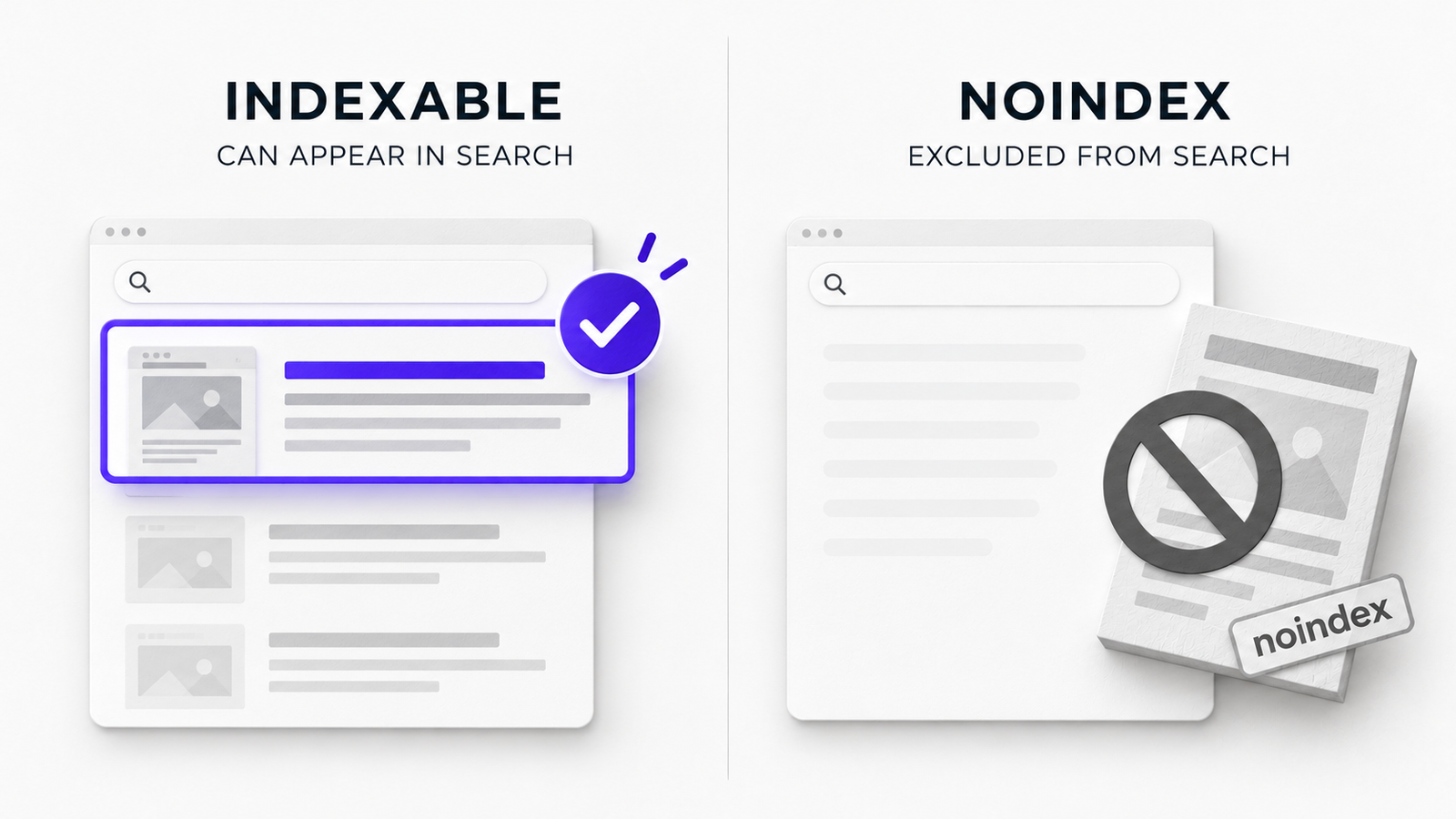
Remember: robots.txt controls crawling; noindex controls indexing. Blocking crawling can prevent Google from seeing a noindex instruction. See Google’s indexing guidance.
2. Check Your XML Sitemap
An XML sitemap helps search engines discover URLs. WordPress includes /wp-sitemap.xml, while SEO plugins may provide a different sitemap index.
Check that your active sitemap contains important, indexable URLs, then submit it through Search Console.
I look for three problems:
-
Important pages missing from the sitemap.
-
Redirected, deleted, or
noindexURLs still listed. -
Duplicate sitemap systems creating confusion about which one is active.
A sitemap is a discovery aid, not an indexing guarantee. Google makes that clear in its sitemap documentation.
3. Keep URLs, Canonicals, and Redirects Consistent
Service names change, landing pages move, and old URLs disappear. Plan redirects before making those changes.
Use descriptive permalinks under Settings > Permalinks, such as /services/wordpress-development/.
Do not change established URLs just to shorten them. When necessary, redirect the old address to its relevant replacement using a permanent 301 or 308 redirect.
I cover the planning behind these changes in my guide to redesigning a website without losing SEO rankings.
Check that:
-
HTTP redirects to HTTPS.
-
Your preferred
wwwor non-wwwversion is consistent. -
Internal links point to final URLs, not redirected ones.
-
Canonical tags identify the preferred version of duplicate or near-duplicate pages.
-
Redirects do not form loops or unnecessary chains.
Canonicals are signals, not commands. Google can select another URL. Read its canonicalization guidance.
4. Build a Site Structure That Makes Sense
A page can be accessible but hard to discover without internal links.
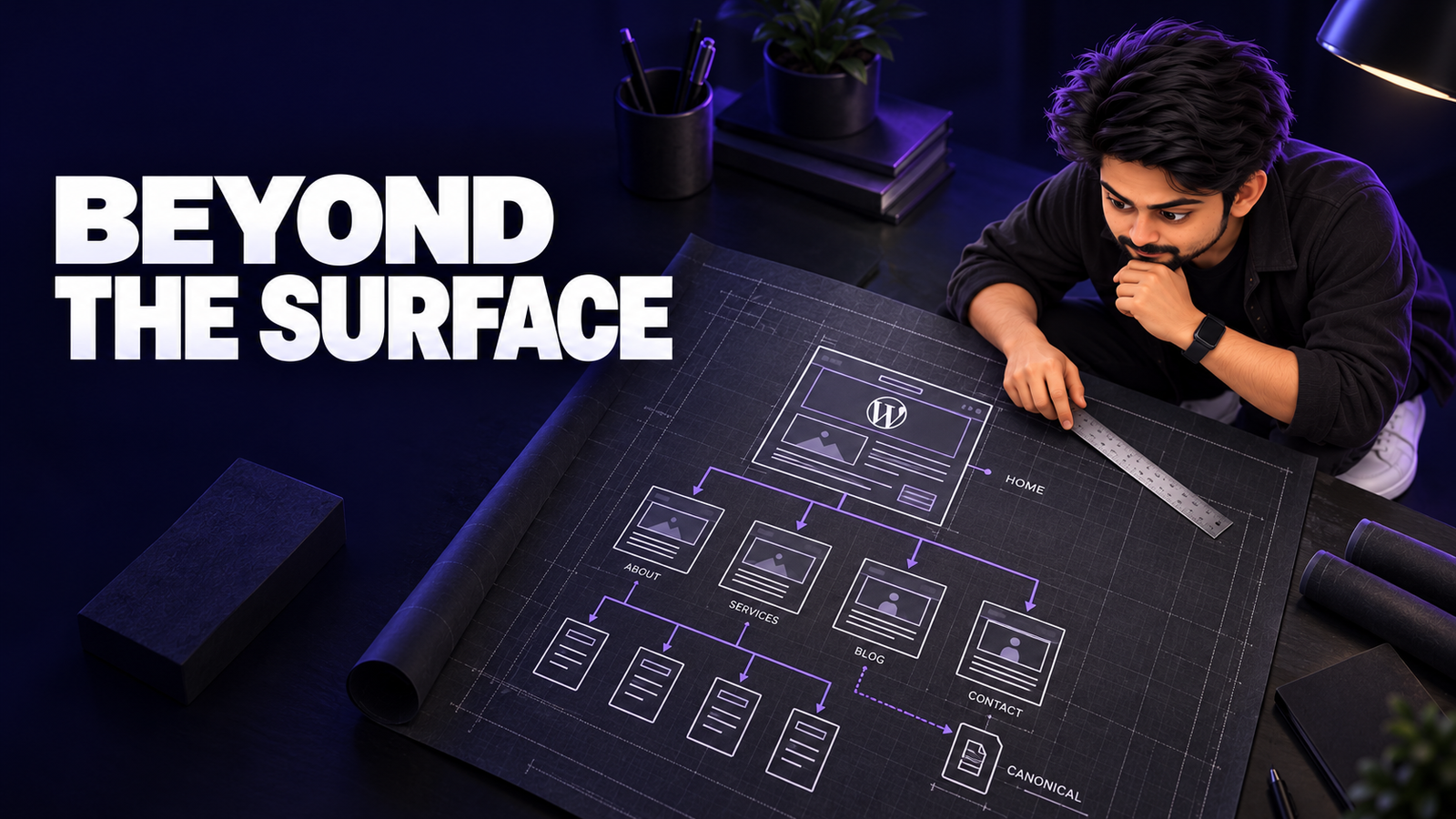
I prefer a simple hierarchy: homepage, services, relevant sub-services, about, contact, and supporting articles. Important pages need clear navigation and contextual links.
Clear structure also makes future changes easier, which is part of how I approach building a maintainable WordPress website.
Check orphan pages, broken links, unnecessary category archives, and useful breadcrumbs.
Use clear H1, H2, and H3 headings. Do not force keywords into every heading.
Link blog articles to relevant service pages naturally.
5. Improve Core Web Vitals Without Chasing Scores
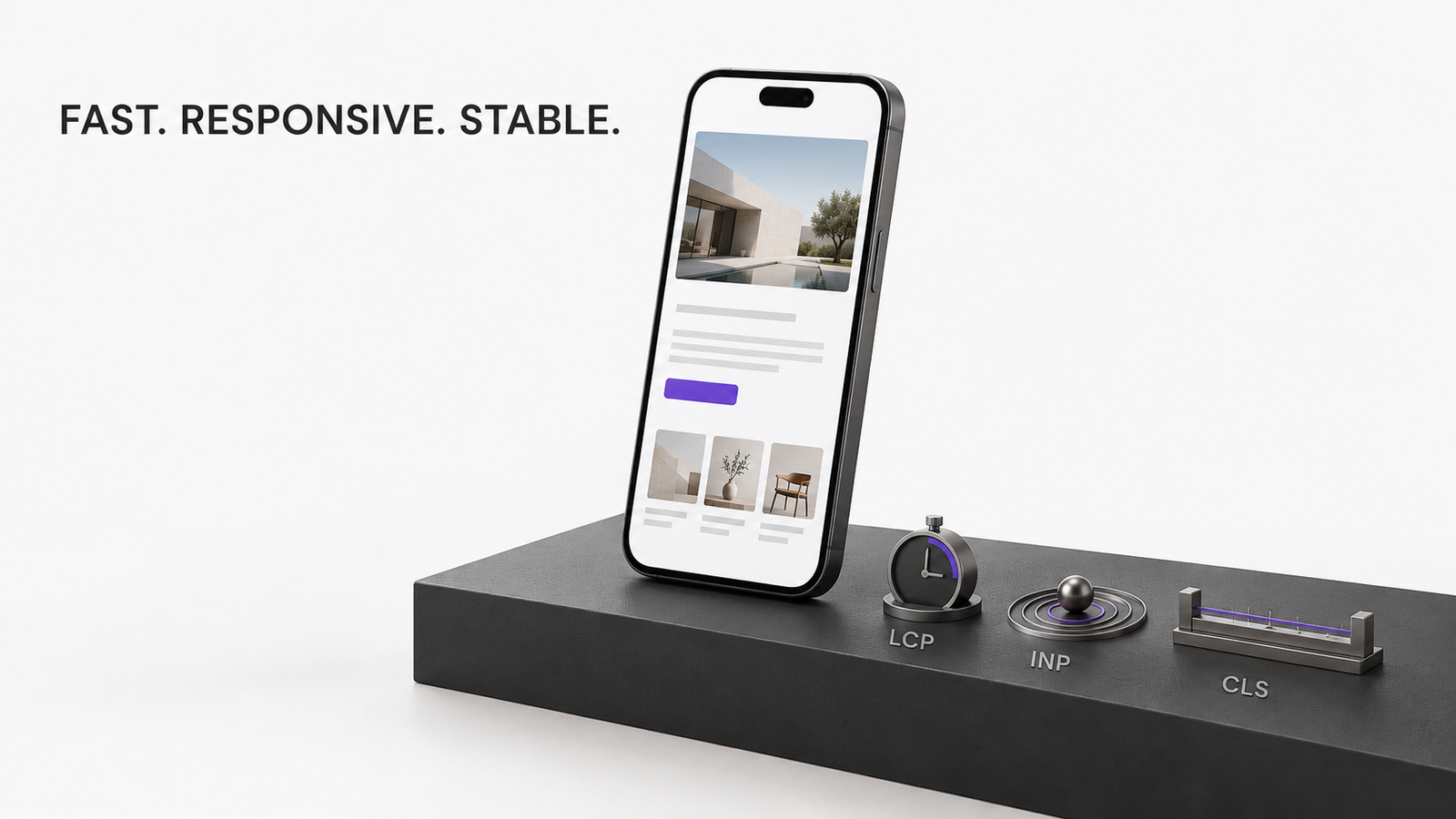
Google’s Core Web Vitals focus on three user-experience metrics:
-
Largest Contentful Paint (LCP): Aim for 2.5 seconds or less.
-
Interaction to Next Paint (INP): Aim for 200 milliseconds or less.
-
Cumulative Layout Shift (CLS): Aim for 0.1 or less.
These are Google’s good-experience thresholds, not ranking guarantees. Check real-user data and PageSpeed Insights.
Common problems include oversized images, heavy builders, excessive scripts, slow hosting, and shifting banners. Test service and blog pages, not just the homepage.
I have a separate WordPress speed optimization checklist covering the performance work in more detail.
6. Check Mobile Rendering and Important Content
Responsive design does not guarantee crawlable content.
Check mobile navigation, readable text, tap targets, important content, and intrusive popups.
For JavaScript-heavy pages, use URL Inspection to verify that Google can render service descriptions, links, and other important content.
Keep content in readable text. Give meaningful images descriptive alt text and appropriate dimensions.
7. Use Structured Data Where It Fits
Structured data describes page information. Useful types include Organization, LocalBusiness where applicable, BreadcrumbList, and Article.
The key is accuracy. The markup must match what visitors can actually see on the page.
Plugins can generate schema, but check representative URLs with Google’s Rich Results Test for errors or duplicate markup.
Do not add every schema type just because a plugin offers it. Even valid structured data does not guarantee a rich result.
8. Keep the Technical Setup Healthy
Outdated plugins and broken updates can introduce errors, break redirects, or slow the site.
Review Tools > Site Health, updates, backups, HTTPS, and important pages after changes.
Test major changes on staging, but remove staging-only indexing restrictions before launch.
Security and maintenance are not shortcuts to rankings. They help keep the website reliable and accessible.
For the security side, I have a separate guide to the WordPress security basics I use for client sites.
9. Monitor Search Console After the Fixes
Revisit Search Console after redesigns, migrations, major updates, and launches.
My priorities are the Page indexing report, URL Inspection, sitemap status, Core Web Vitals, and any relevant structured-data reports.
Not every excluded URL is a problem. Focus on valuable pages that should be indexed but are not.
My website maintenance checklist for small business owners covers the broader checks worth repeating over time.
My Technical SEO WordPress Checklist
If I had limited time on a small business website, I would work in this order:
-
Confirm priority pages can be crawled and indexed.
-
Fix broken pages, server errors, and accidental
noindexrules. -
Verify the sitemap and canonical URLs.
-
Repair incorrect redirects and broken internal links.
-
Make important service pages easy to reach.
-
Improve real-world mobile performance.
-
Validate relevant structured data.
-
Monitor Search Console after deployment.
Fix problems affecting real pages and visitors before chasing an audit score.
Does Technical SEO Still Matter for AI Search?
Yes. Google’s guidance for AI Overviews and AI Mode says the same SEO fundamentals apply, with no special technical markup required. Pages still need to be accessible, indexable, and useful.
Maintain clear text, internal links, accurate schema, and crawl access. Be skeptical of promised AI visibility through secret markup tricks.
Frequently Asked Questions
Is WordPress good for technical SEO?
Yes. WordPress supports clean URLs, sitemaps, and other useful SEO features. Results still depend on how the theme, hosting, plugins, and pages are configured.
Is an SEO plugin enough for technical SEO?
No. A plugin can help with metadata, canonical tags, sitemaps, and schema. It cannot automatically fix slow hosting, broken internal links, or every crawl and indexing problem.
How often should I run a technical SEO audit?
Review Search Console regularly. Run a deeper audit after major changes or migrations.
Why is Google not indexing my WordPress page?
Causes include noindex, crawl restrictions, canonicals, errors, poor internal linking, or Google’s indexing decision. Diagnose with URL Inspection.
Does schema markup improve WordPress rankings?
Schema can help Google interpret content and make eligible pages available for certain rich results. It does not directly guarantee higher rankings or a special search appearance.
The Practical Takeaway
I see technical SEO as website quality control. Visitors and search engines should reach the right pages without obstacles.
Start with indexing, URLs, and internal links. Improve performance and schema, then monitor after changes. Another plugin is rarely the whole answer.