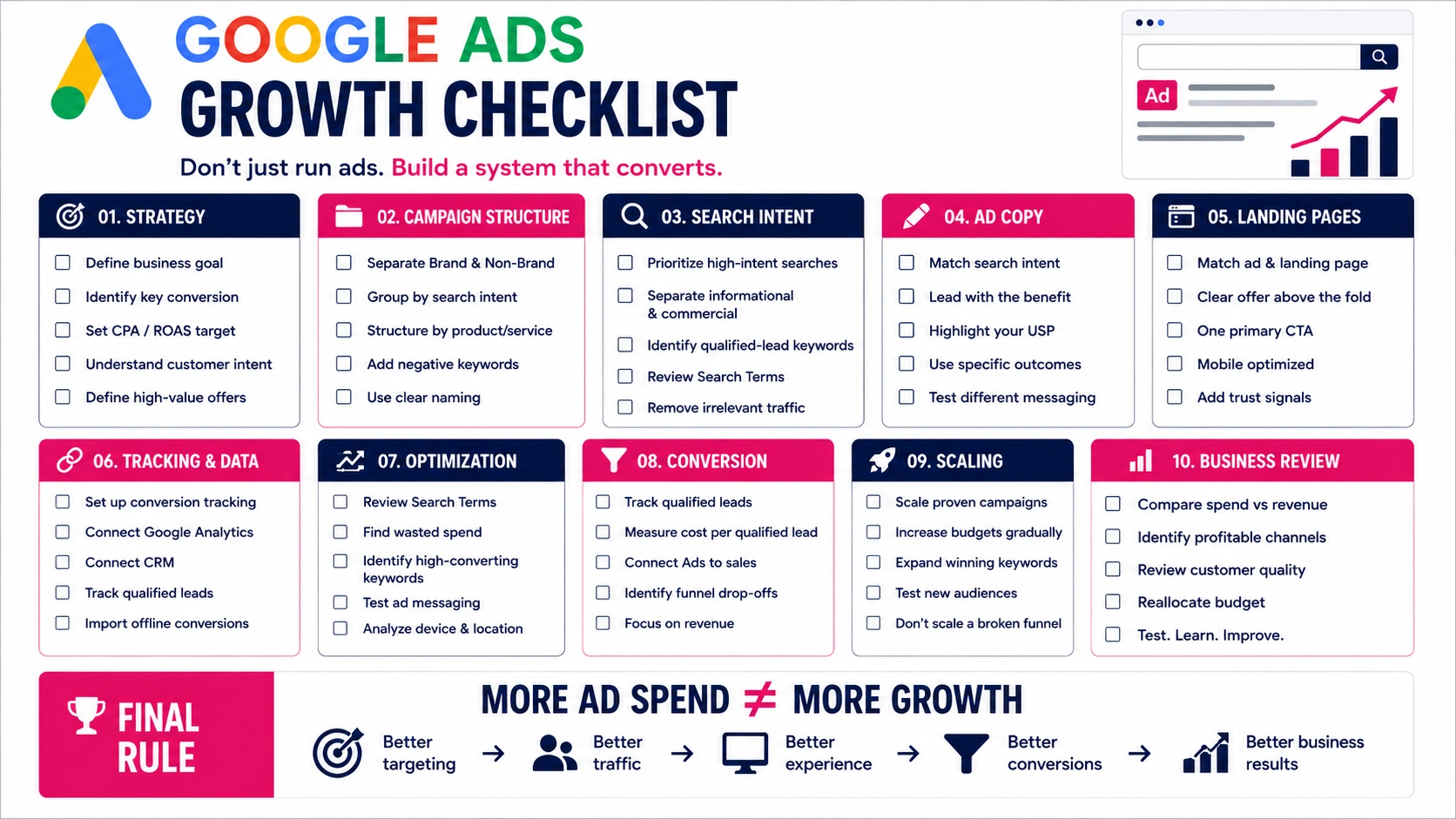
After more than 10 years of working in web development and digital marketing, I’ve learned that building a website is only part of the process. Making sure everything works properly before launching is equally important.
A broken contact form, incorrect SEO settings, or a slow-loading homepage can easily go unnoticed during development.
That’s why I believe every business needs a proper website launch checklist before making its website public.
Here’s what I focus on before a new business website goes live.
1. I Check Whether the Website Communicates the Right Message
The first thing I look at isn’t the design or code. It’s the message.
When someone visits a business website for the first time, they should quickly understand what the company offers, who it helps, and what to do next.
I review the homepage from a customer’s perspective.
Is the main heading clear? Does the supporting text explain the service? Is there a visible call to action?
A beautiful website means very little if visitors cannot understand the business.
I also make sure important pages, such as About, Services, and Contact, communicate consistent information.
Clarity comes before creativity.
2. I Review Every Page and Its Content
Content mistakes are surprisingly easy to overlook during development.
Before launching, I review the website for spelling errors, outdated information, placeholder text, and inconsistent formatting.
I also check whether:
- The business name and contact details are correct.
- Every important page has a clear purpose.
- Images are relevant and properly displayed.
- Buttons and links use meaningful text.
- Service descriptions answer common customer questions.
I pay particular attention to headings. A page should be easy to scan without requiring visitors to read every paragraph.
Good content isn’t about adding more words. It’s about providing the information people actually need.
3. I Test the Website on Mobile Devices
A website that looks great on a desktop doesn’t automatically work well on mobile.
I check different screen sizes to identify layout issues that might not appear during desktop development.
This includes navigation menus, buttons, images, forms, and text readability.
I also look for horizontal scrolling, overlapping elements, and sections that become difficult to use on smaller screens.
Google primarily uses the mobile version of a website’s content for indexing, making mobile compatibility important for SEO as well.
My goal is simple: someone using a phone should have the same access to essential information and functionality as someone using a desktop.
4. I Test Forms, Buttons, and Important User Actions
This is one of the most important parts of my pre-launch website checklist.
A contact form might look perfectly fine but fail to deliver submissions.
I test every form by submitting real test enquiries and checking whether the information reaches the correct destination.
For websites connected to a CRM, I verify that contacts and relevant details are recorded properly.
I also check confirmation messages, automated emails, phone links, and appointment-booking systems.
For e-commerce websites, testing goes further. Product selection, cart functionality, shipping calculations, discounts, and checkout need to work correctly.
A website isn’t ready if visitors cannot complete the actions it was built for.
5. I Review the Website’s On-Page SEO
SEO shouldn’t be something businesses start thinking about after their website launches.
I review the essential on-page SEO elements before publishing.
These include page titles, meta descriptions, heading structure, descriptive URLs, internal links, and image alt text.
I check whether each important page targets a relevant search topic without unnecessarily repeating keywords.
I also review canonical tags and structured data where applicable.
Google’s SEO Starter Guide recommends clear page titles, useful content, and logical website organization.
I prefer establishing these fundamentals early rather than fixing preventable SEO problems later.
6. I Make Sure Search Engines Can Access the Website
Development environments sometimes block search engines to prevent unfinished pages from appearing in search results.
Those restrictions must be reviewed before launch.
I check the robots.txt file, robots meta tags, canonical URLs, and XML sitemap.
I also verify that important pages return the correct HTTP status codes and aren’t accidentally marked as noindex.
After launch, I use Google Search Console to inspect important URLs and submit the sitemap when necessary.
Search visibility now includes AI-powered experiences such as Google AI Overviews and AI Mode.
However, Google’s official guidance confirms that these experiences don’t require special AI-specific markup. Accessible, useful, well-structured content and established SEO practices remain the foundation.
7. I Check Website Speed and Core Web Vitals
Website speed directly affects how people experience a business online.
I use tools such as Google PageSpeed Insights to identify performance problems, particularly on mobile devices.
I review oversized images, unnecessary JavaScript, excessive third-party scripts, and elements that delay page rendering.
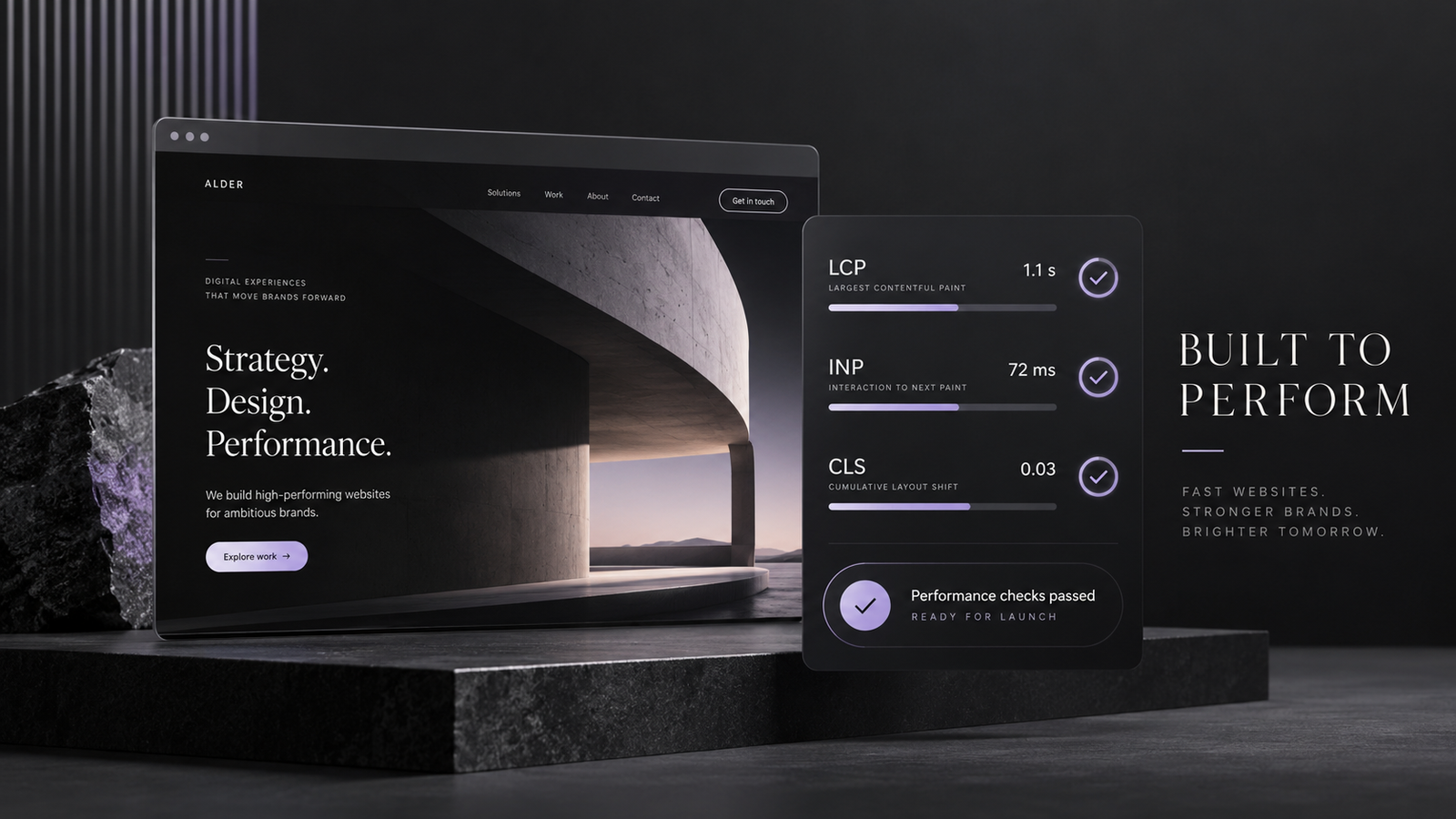
I also pay attention to Google’s Core Web Vitals:
Largest Contentful Paint (LCP): Ideally 2.5 seconds or less.
Interaction to Next Paint (INP): Ideally 200 milliseconds or less.
Cumulative Layout Shift (CLS): Ideally 0.1 or less.
These are Google’s recommended good-experience thresholds, evaluated using real-user data at the 75th percentile.
A perfect performance score isn’t always realistic. My priority is making the website genuinely fast, responsive, and stable for visitors.
8. I Review Security, Hosting, and Backups
Security is another area I wouldn’t leave until after launch.
I verify that the SSL certificate works correctly and that visitors are redirected to the secure HTTPS version.
I also review administrative access, software updates, unnecessary plugins, and basic security configurations.
For websites built on WordPress or other content management systems, keeping the software and extensions updated is especially important.
Before deployment, I make sure a reliable backup exists and that there is a practical recovery plan if something goes wrong.
Launching is important, but protecting the website afterward matters just as much.
9. I Check Accessibility and Usability
Accessibility should be considered before a website reaches its visitors.
I check whether text has sufficient contrast, links are understandable, and interactive elements can be accessed using a keyboard.
Forms should have clear labels and helpful error messages. Informative images should also contain meaningful alternative text.
The W3C accessibility guidelines provide a useful foundation for these checks.
Automated tools can identify some issues, but manual testing is still necessary.
A website should be usable by as many people as possible, regardless of their device or ability.
10. I Verify Analytics and Conversion Tracking
Launching without proper tracking makes it difficult to understand what happens afterward.
I check that Google Analytics and Google Search Console are configured correctly.
For businesses running advertising campaigns, I also verify relevant conversion events, such as form submissions, purchases, or bookings.
I avoid assuming tracking works simply because a script has been installed.
I test actual interactions and check the resulting events.
Where consent is required, I also verify that cookie preferences and tracking behaviour follow the applicable privacy requirements.
Good measurement helps businesses understand whether their website is achieving its purpose.
11. I Perform a Final Live-Website Check
Even after completing all development-stage testing, I review the website again on its actual domain.
I check DNS configuration, HTTPS redirects, navigation, forms, and essential pages.
If the website replaces an existing one, I verify that important old URLs redirect to their appropriate new destinations using permanent redirects.
I also check social sharing previews, favicon, and browser compatibility.
Finally, I monitor the website after launch for errors, unsuccessful form submissions, and unexpected performance problems.
A successful deployment doesn’t automatically mean everything is working correctly.
My Final Website Launch Checklist
Before considering a business website ready, I want these essentials confirmed:
-
Messaging and content reviewed
-
Mobile and desktop layouts tested
-
Forms, links, and buttons working
-
On-page SEO configured
-
Sitemap and indexing settings verified
-
Website speed and usability reviewed
-
Security and backups checked
-
Analytics and conversions tested
-
Redirects and live-domain setup verified
-
Post-launch monitoring prepared
This simple website launch checklist helps reduce preventable mistakes and provides a better starting point for future growth.
Frequently Asked Questions (FAQs)
1. What should I check before launching a website?
Before launching a website, check its content, mobile responsiveness, page speed, SEO settings, forms, links, security, and analytics. You should also test the website on its live domain and verify that visitors can complete important actions.
2. How do I make sure my new website is SEO-ready?
Start with relevant page titles, meta descriptions, clear headings, internal linking, and descriptive URLs. Check that search engines can access important pages, review indexing settings, and submit your XML sitemap through Google Search Console.
3. Should I set up Google Analytics before launching my website?
Yes. Setting up Google Analytics before launch helps you measure traffic and user activity from the beginning. Make sure tracking works correctly and respects applicable privacy and consent requirements.
4. How long does Google take to index a new website?
Indexing can take anywhere from a few days to several weeks, depending on the website and Google’s crawling decisions. Submitting a sitemap or requesting indexing through Search Console can help Google discover pages, but doesn’t guarantee indexing.
5. What should I do immediately after launching a website?
Test the live website again, verify contact forms and conversion tracking, inspect important pages in Search Console, and monitor performance. Continue checking technical errors, usability issues, and visitor behaviour during the following days.
Final Thoughts
Launching a new business website is more than publishing a finished design.
Every important element, from messaging and functionality to SEO and security, contributes to how effectively the website serves the business.
My approach is to make sure the fundamentals are working before worrying about additional features.
A website doesn’t need to be unnecessarily complicated. It needs to be clear, reliable, easy to use, and ready to support business growth.
That’s what I believe a proper website launch should achieve.