I have worked on websites for more than 10 years, and one thing I have noticed repeatedly is that most business websites do not become difficult to manage because of one major mistake.
They become difficult because of hundreds of small changes made over time.
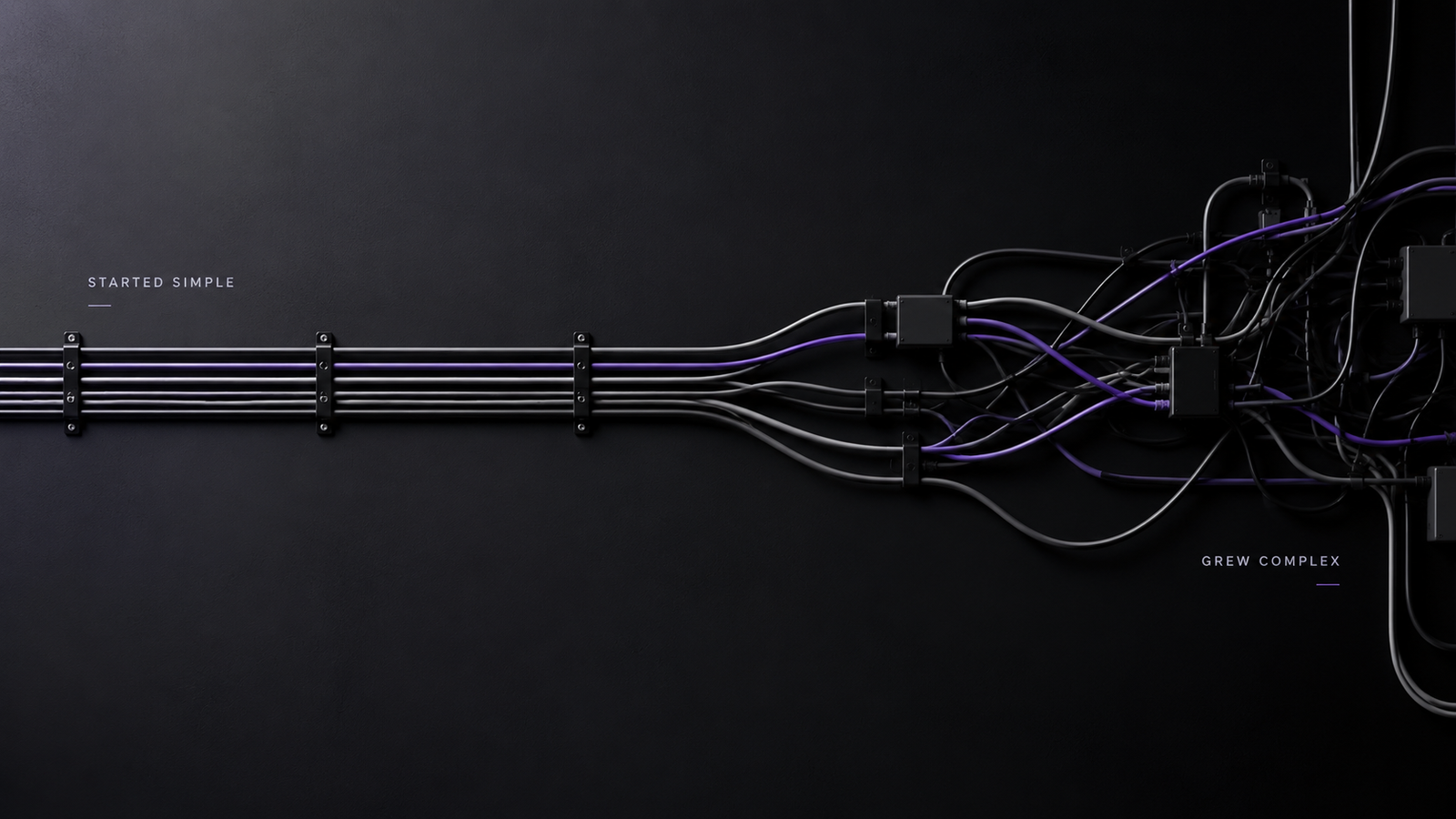
A website might start with five pages, a contact form, basic analytics, and a simple content management system. A few years later, it has landing pages, tracking scripts, marketing integrations, plugins, custom code, redirects, automation tools, CRM connections, old campaigns, new design elements, and functionality added by different developers.
Everything may still work, but managing it becomes harder every month.
This is where business website maintenance becomes much more important than simply updating a few plugins. Maintaining a business website properly means keeping the entire system organized as the company, technology, marketing strategy, and website continue to change.
Websites Naturally Become More Complex as Businesses Grow
Most businesses do not build their final website on day one. The website grows with the company.
You might launch with a few service pages and later add case studies, blogs, lead generation pages, booking systems, ecommerce functionality, analytics tools, live chat, advertising pixels, email marketing integrations, or customer portals.
There is nothing wrong with that. A good website should evolve with the business.
The problem starts when new functionality keeps getting added without anyone thinking about how everything fits together.
For example, the marketing team might install another tracking script for an advertising campaign. A developer might add custom code for a landing page. Someone else might install a plugin because it solves an immediate problem. Six months later, nobody remembers why half of those things were added.
The website has not necessarily been built badly. It has simply accumulated complexity without a system for managing it.
Small Shortcuts Eventually Become Technical Debt
One of the biggest reasons websites become difficult to manage is technical debt.
Technical debt is basically the future cost of taking shortcuts today.
Sometimes a quick fix is completely reasonable. A campaign needs to launch tomorrow, so a developer adds a temporary CSS rule. A plugin conflict appears, so another workaround is added. A page needs a slightly different layout, so someone overrides the global design settings.
The problem is when temporary fixes become permanent.
After a few years, you might have multiple pieces of code controlling the same element, old functionality nobody wants to remove, and plugins that exist only because something else depends on them.
At that point, even a simple change can become risky because nobody fully understands what else it might affect.
Good business website maintenance should reduce technical debt instead of simply adding new fixes on top of old ones.
Plugins and Third-Party Tools Keep Adding Dependencies
Modern business websites depend heavily on external systems. Forms might connect to a CRM. Payments might use another platform. Analytics come from different tools. Marketing teams add advertising pixels, heatmaps, chat software, automation platforms, and conversion tracking.
WordPress websites can become especially dependent on plugins.
Plugins themselves are not the problem. They can save enormous amounts of development time. The problem is installing new plugins for every small requirement without reviewing whether existing functionality can already handle it.
Every additional dependency creates something else that needs updates, compatibility checks, security monitoring, and testing.
WordPress continues to evolve as well. WordPress 7.1 was released in August 2026 with changes including responsive styling controls, media improvements, collaboration features, and updates across the platform. WordPress also released security and maintenance updates during 2026, which is another reminder that the technology underneath a website never really stands still.
This is why I do not consider clicking “Update All” to be a complete maintenance strategy.
Updates should be backed up, tested, and monitored, especially on websites with several plugins and custom integrations.
The Original Design System Slowly Disappears
Another problem happens visually.
Most professionally designed websites begin with some level of consistency. There are defined heading sizes, button styles, colours, spacing rules, page widths, and reusable components.
Then more people start working on the website.
Someone creates a new landing page and uses slightly different spacing. Another person adds a new button style. A third developer creates another section because they cannot find the existing component.
Nothing looks completely wrong individually, but over time the consistency disappears.
Eventually, changing something as simple as a button becomes difficult because there are six different versions of that button across the website.
This is why I think website maintenance should include design maintenance too. Reusable components, global styles, templates, and clear design rules make future updates much easier.
Website Content Creates Its Own Maintenance Problems
Technical problems are only one side of it.
Content becomes messy too.
Businesses create new service pages, campaign landing pages, location pages, blogs, downloadable resources, and product pages. Some remain useful. Others become outdated. Some pages start targeting almost the same keywords.
Eventually, businesses may have pages they have completely forgotten about.
Removing those pages without checking traffic, backlinks, rankings, or redirects can create another problem.
Google recommends properly mapping URLs and using permanent server-side redirects such as 301 or 308 redirects when content permanently moves. Google also recommends monitoring major website changes through Search Console.
So business website maintenance should include content and SEO reviews, not only technical updates.
Sometimes improving a website means adding something new. Other times, it means removing or consolidating what is no longer useful.
Performance Usually Gets Worse Gradually
A website rarely becomes slow because of one thing.
It usually becomes slower little by little.
A new tracking script gets added. Then a live chat tool. Then another advertising pixel. Someone uploads large images. A video gets placed in the hero section. A third-party widget starts loading on every page.
Each addition might only have a small impact, but together they can make the website noticeably heavier.
This matters because website performance is still an important part of user experience. Google’s current Core Web Vitals measure loading performance through Largest Contentful Paint, responsiveness through Interaction to Next Paint, and visual stability through Cumulative Layout Shift. Google’s recommended “good” thresholds remain 2.5 seconds or less for LCP, under 200 milliseconds for INP, and below 0.1 for CLS.
I do not think businesses should obsess over getting a perfect performance score. What matters more is monitoring whether the real user experience is becoming worse as the website grows.
Nobody Knows What Can Safely Be Removed
This is one of the biggest signs that a website has become difficult to manage.
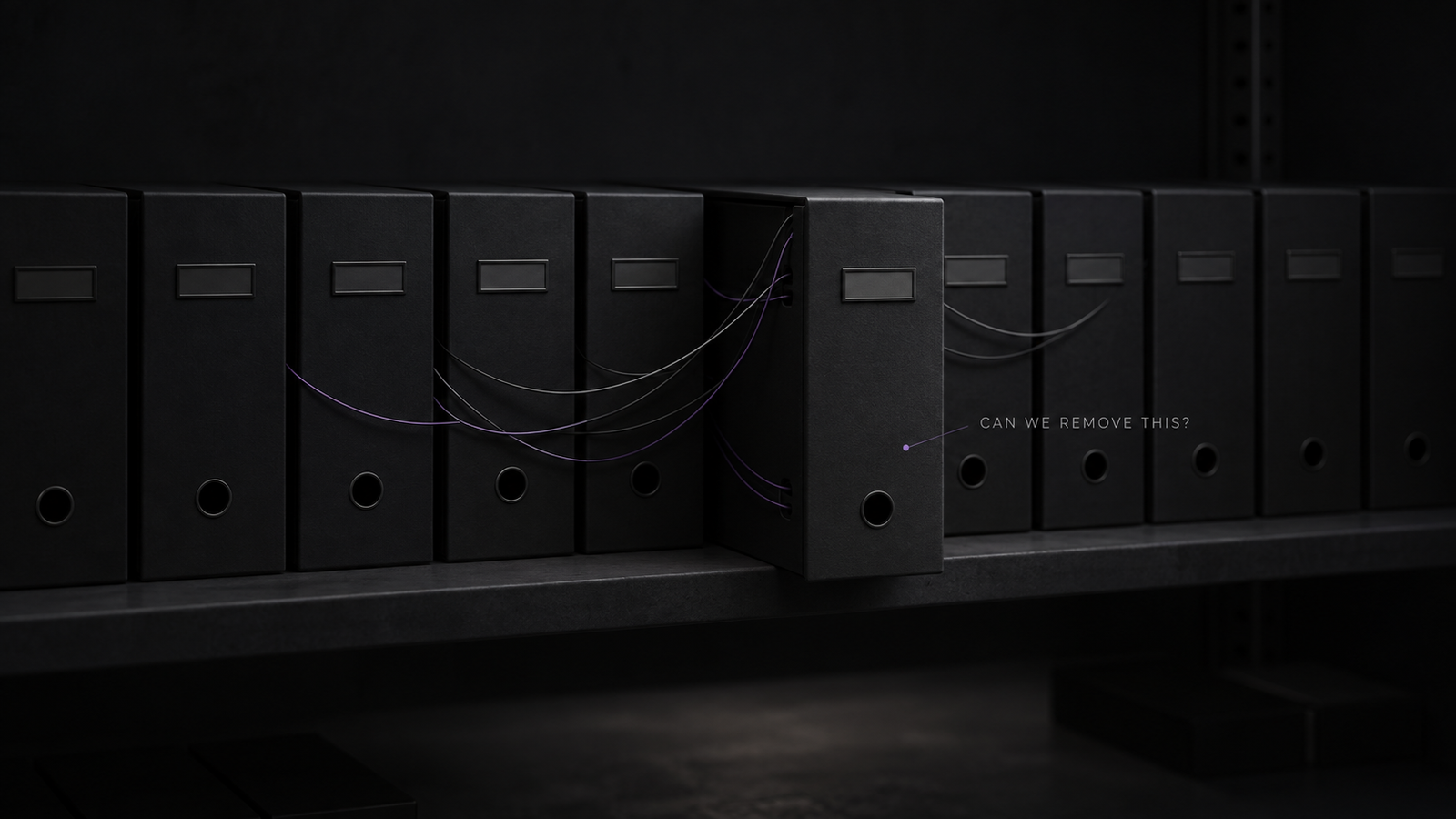
You open the website and find plugins nobody recognizes, custom scripts with no documentation, old tracking codes, duplicate integrations, abandoned pages, and CSS written years ago.
Then comes the obvious question.
Can we remove this?
And nobody knows.
So it stays.
That same thing happens repeatedly until the website becomes too risky to clean because nobody understands all the dependencies.
Basic documentation can prevent a lot of this.
You do not need a 100-page technical manual. Even simple documentation covering important plugins, integrations, custom functionality, DNS services, analytics tools, APIs, and major website changes can make future maintenance significantly easier.
Too Many People Make Changes Without One Clear Owner
As businesses grow, more people naturally become involved with the website.
Developers handle functionality. SEO teams change content. Marketing teams add tracking. Designers update layouts. Advertising teams create landing pages. Business owners make quick edits.
The problem is not having multiple people involved.
The problem is having nobody responsible for the website as a complete system.
Someone needs to understand what is being added, removed, changed, and why.
Otherwise, each team improves its individual part while the overall website slowly becomes harder to manage.
What Good Business Website Maintenance Should Include
I look at website maintenance as an ongoing process rather than an emergency service you use when something breaks.
A good maintenance process should normally include regular backups, software and plugin updates, security monitoring, performance checks, broken link reviews, SEO checks, testing of important forms and conversion paths, plugin cleanup, database maintenance, staging environments for major changes, and documentation of important functionality.
WordPress itself recommends regular updates, backups, dead-link checks, and scheduled maintenance as part of keeping a website healthy.
I would also periodically ask a very simple question:
If we were building this website again today, would we still add everything that currently exists?
If the answer is no, there is probably some cleanup to do.
A Good Website Should Become Easier to Grow, Not Harder
The goal of business website maintenance is not to keep your website exactly the same forever.
Your website should change.
Your products change. Your services evolve. Your positioning improves. New marketing channels appear. New technologies become useful. The way customers interact with businesses changes.
A healthy website should make those changes easier.
If every new page, integration, campaign, or feature makes the website more fragile, the real problem is not growth. It is how the website is being managed.
Building a website is only the beginning.
Keeping it clean, understandable, secure, fast, and flexible after years of changes is what determines whether that website continues supporting the business or eventually becomes something everyone is afraid to touch.
Frequently Asked Questions
What is business website maintenance?
Business website maintenance is the ongoing process of keeping a website secure, updated, functional, organized, fast, and easy to manage. It can include backups, software updates, performance monitoring, security checks, SEO reviews, content updates, plugin management, and testing important functionality.
Why do business websites become difficult to manage?
Most websites become difficult to manage because pages, plugins, integrations, custom code, tracking tools, and design changes accumulate over time without proper documentation or a clear maintenance process.
How often should a business website be maintained?
There is no single schedule that works for every website. Important security updates may need immediate attention, while broader technical, SEO, content, and performance reviews can be scheduled regularly depending on how frequently the website changes.
Does website maintenance help SEO?
Yes. Website maintenance can affect SEO through page performance, redirects, crawlability, broken links, outdated content, internal linking, technical errors, and site structure. Maintaining these areas helps search engines access and understand the website correctly.
Should I rebuild a website that has become difficult to maintain?
Not necessarily. Sometimes removing unnecessary plugins, cleaning old code, reorganizing content, improving templates, and documenting the existing system is enough. A complete rebuild makes more sense when the underlying technology or architecture has become a major limitation to future growth.