Building a WordPress website is one thing.
Building one that is still easy to manage a year or two later is completely different.
Over the years, I have worked on websites that looked perfectly fine from the outside but were unnecessarily difficult to maintain behind the scenes.
Too many plugins. Random CSS everywhere. Different design settings on every page. No backups. No staging environment. Nobody remembers why something was built a certain way.
That is why maintainability is something I think about while building the website, not after it is finished.
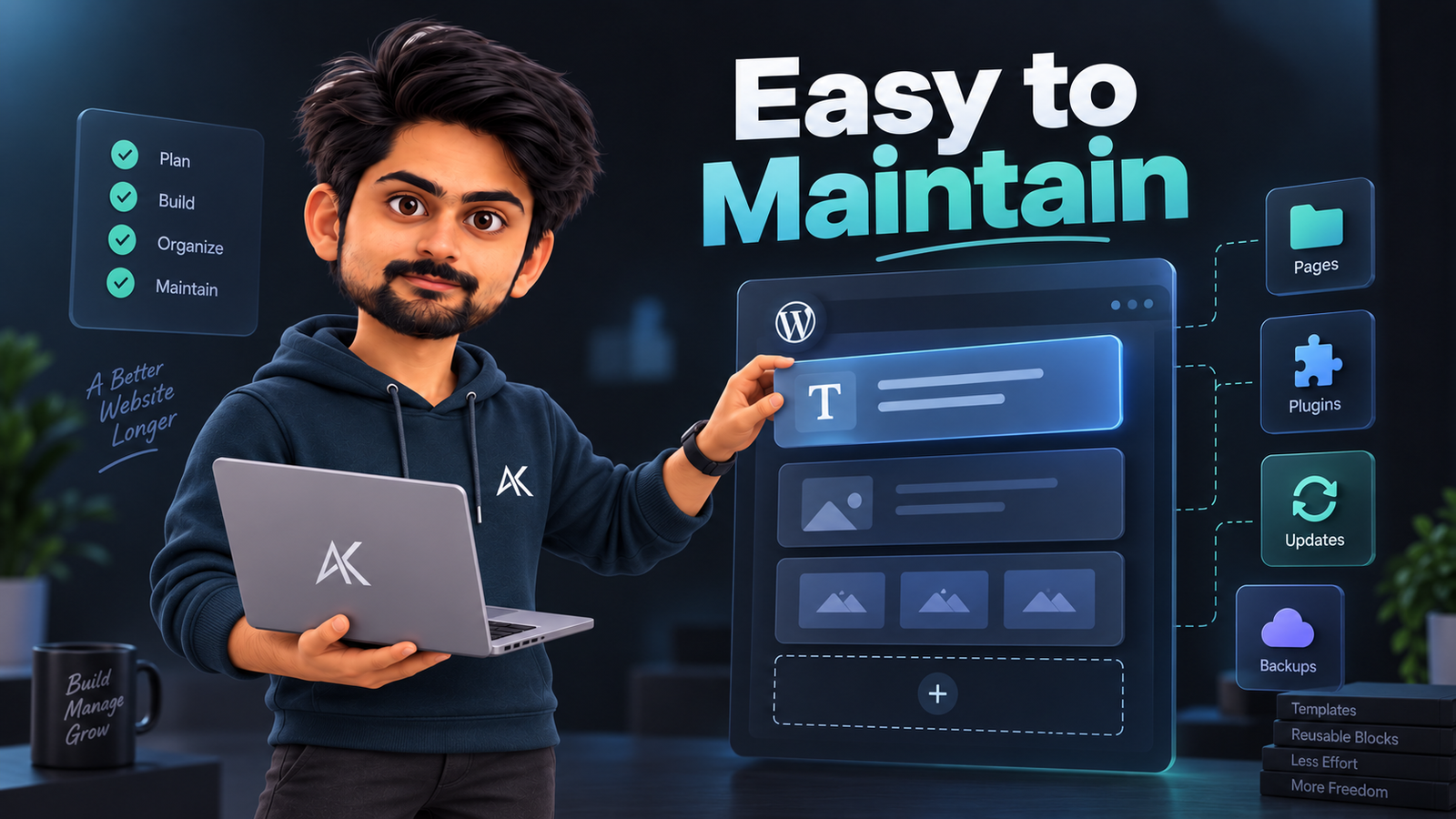
For me, a maintainable WordPress website should be easy to update, difficult to accidentally break, and simple enough that another developer can understand how it works.
Here is how I approach it.
1. I Try to Reduce Moving Parts
One of the easiest ways to make WordPress difficult to maintain is to keep adding things.
Another plugin.
Another page builder addon.
Another JavaScript library.
Another custom workaround.
Every additional dependency creates something else that can eventually conflict, become outdated, slow the website down, or stop receiving support.
I try to keep the stack as small as reasonably possible.
Before installing anything, I normally ask:
- Can WordPress already do this?
- Can the theme or builder already handle it?
- Do I really need a plugin for this?
- Will somebody actively maintain this plugin?
- What happens if we remove it later?
This small decision makes future maintenance much easier.
2. I Use WordPress Features Before Adding Workarounds
WordPress itself has become much more capable.
For example, WordPress 7.1 introduced responsive styling controls for blocks, including tablet and mobile styling through Global Styles and individual blocks. That means some layouts that previously required extra CSS or third-party tools can now be handled directly inside WordPress.
I prefer using native functionality when it genuinely does the job well.
It usually means fewer dependencies, fewer compatibility problems, and a cleaner website to maintain.
That does not mean I avoid custom development.
It means custom development should solve an actual problem, not recreate something WordPress already handles properly.
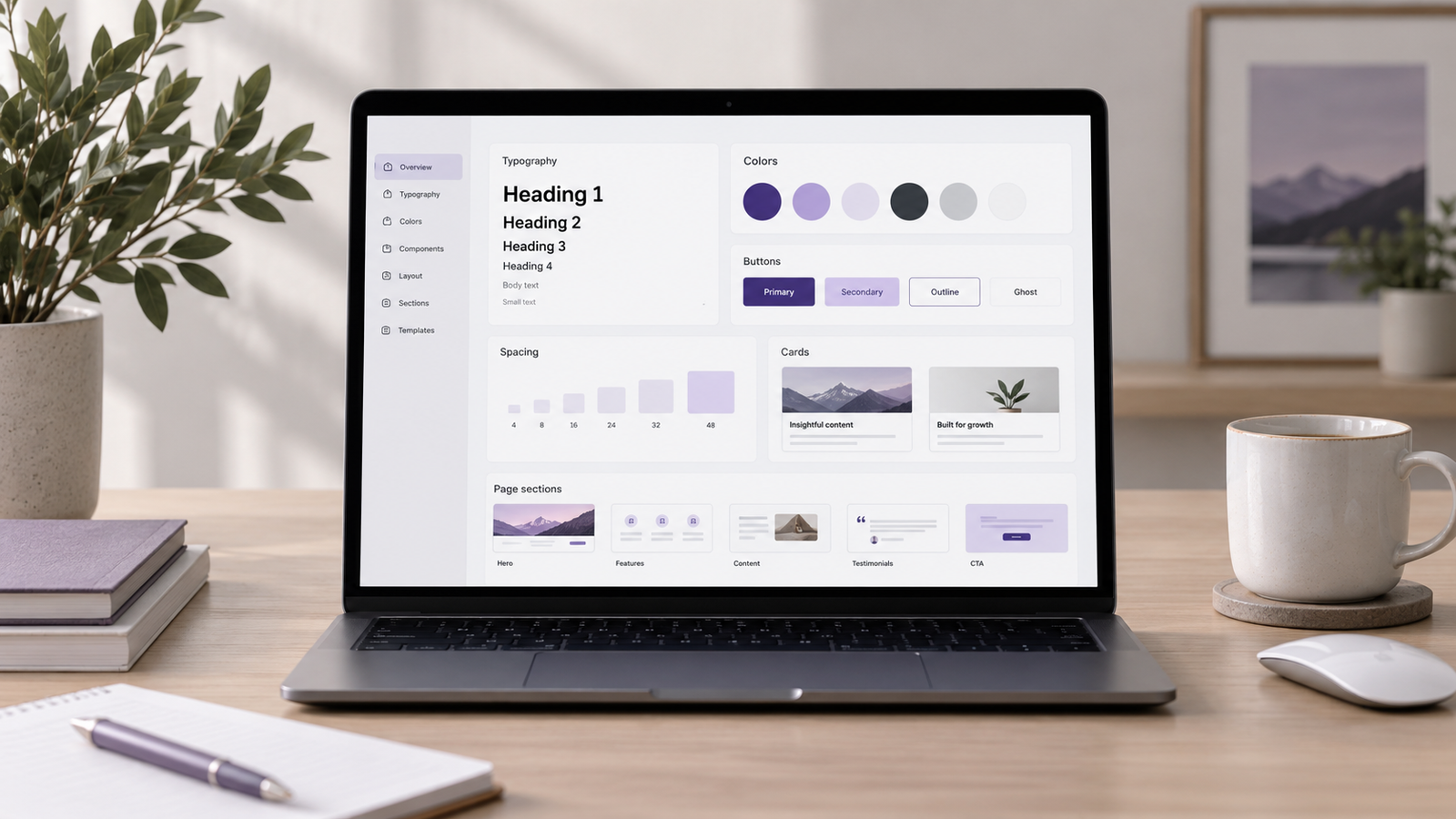
3. I Build a Design System Instead of Designing Every Page Separately
This is something I consider very important.
If every page has different spacing, buttons, heading sizes, colours, and layouts, future changes become painful.
Instead, I define the important design rules early:
- Typography
- Colours
- Container widths
- Button styles
- Spacing
- Border radius
- Form styles
- Reusable sections
Then I reuse them throughout the website.
If the brand colour changes later, I should not need to edit 30 different pages manually.
A good WordPress website should behave like a system, not a collection of individually designed pages.
4. I Keep the Plugin Stack Intentional
Plugins are one of WordPress’s biggest advantages, but they are also where many maintenance problems begin.
I avoid installing multiple plugins that solve almost the same problem.
For example, I do not want three optimization plugins, two form plugins, multiple analytics plugins, and several Elementor addons unless there is a genuine requirement.
WordPress has also improved how plugin dependencies are handled. Core can identify declared dependencies and prevent certain activation or deletion scenarios when required plugins are missing.
Still, I prefer keeping the dependency chain simple.
The fewer unnecessary plugins a website relies on, the easier it usually is to test, update, debug, and maintain.
5. I Keep Custom Code Organised
Sometimes custom CSS, JavaScript, PHP, or integrations are unavoidable.
That is fine.
The problem starts when custom code gets scattered everywhere.
A little CSS inside one page.
Another snippet inside the theme customizer.
Some JavaScript inside a header plugin.
PHP inside functions.php.
Another snippet added through a plugin.
Six months later, nobody knows what controls what.
I prefer keeping custom development structured and documented.
If I change something important, I want another developer to be able to find it without reverse engineering the entire website.
6. I Think About Content Editing Too
Maintainability is not only about developers.
The person updating the website should also be able to understand it.
I try to make common updates simple.
Things such as:
- Editing text
- Replacing images
- Adding blog posts
- Updating team members
- Changing testimonials
- Adding products
- Updating contact information
should not require a developer every single time.
Reusable templates, custom fields where appropriate, global styles, and clearly structured pages can make a big difference here.
7. I Optimise Images Before They Become a Problem
Media libraries can become messy very quickly.
Uploading massive images, duplicate graphics, random filenames, and unnecessary media eventually affects both performance and management.
My basic approach is simple:
Compress images before or during upload, use modern image formats when suitable, resize images to sensible dimensions, use descriptive filenames, and write proper alt text.
It is much easier to build this habit from day one than clean thousands of media files later.
8. I Build Backups, Staging and Updates Into the Process
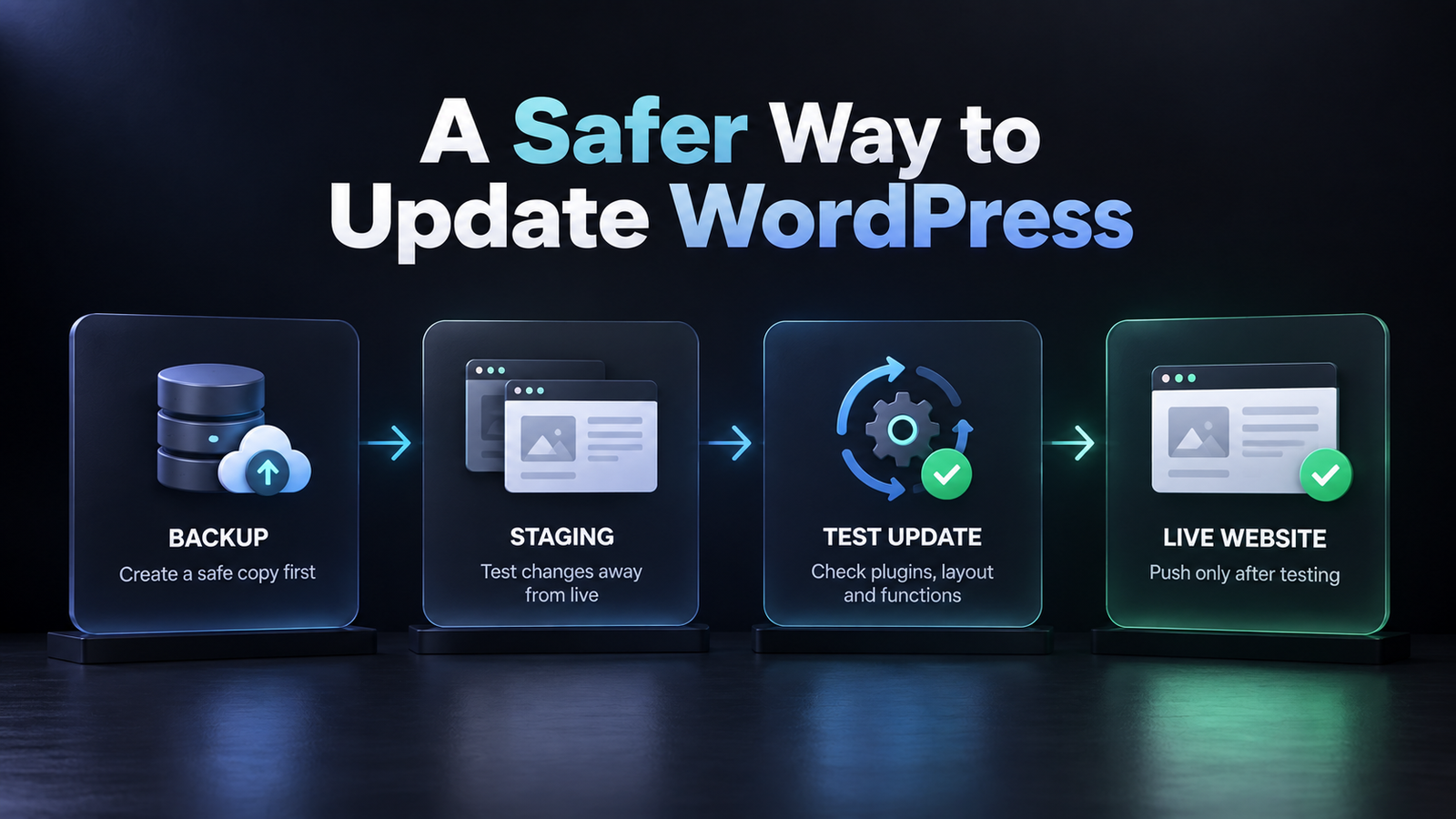
A maintainable WordPress website needs a recovery plan.
WordPress officially recommends backing up the website before upgrades, and its documentation recommends backing up both the database and website files rather than treating them as the same thing.
For important websites, I normally want:
- Automated backups
- An off-site backup copy
- A staging environment
- Regular WordPress updates
- Plugin and theme updates
- Basic uptime and security monitoring
WordPress has also improved update safety over the years, including rollback mechanisms when certain plugin or theme updates fail.
But I still do not treat updates as something that should happen blindly on every website.
Important changes should be backed up, tested, and checked after deployment.
9. I Document Anything That Is Not Obvious
Documentation does not need to be a 50-page manual.
Sometimes a simple document containing:
- Hosting details
- Important plugins
- Third-party integrations
- Custom code locations
- DNS information
- Backup system
- Analytics setup
- Forms and email routing
- Any unusual configuration
can save hours later.
I think of documentation as part of development, especially when multiple people may work on the website over time.
My Simple WordPress Maintenance Checklist
After launch, this is roughly what I want monitored regularly:
- WordPress core updates
- Plugin and theme updates
- Backups
- Security issues
- Broken forms
- Broken links
- Website speed
- Mobile layouts
- Analytics and tracking
- Disk usage
- Database growth
- Expired licences or integrations
WordPress itself also recommends regular maintenance such as updating WordPress, backing up the site, cleaning unnecessary content, and checking the website periodically.
Is a Maintainable WordPress Website More Expensive to Build?
Not necessarily.
In many cases, complexity is what makes a website expensive.
A cleaner structure may require slightly more planning at the beginning, but it can reduce the amount of troubleshooting, rebuilding, and unnecessary development required later.
I would rather spend more time making the foundation right than repeatedly fixing avoidable problems.
How Many Plugins Should a WordPress Website Have?
I do not believe there is a perfect number.
Ten well-built plugins can sometimes be better than five poorly maintained ones.
I care more about what each plugin does, who maintains it, how frequently it is updated, whether it overlaps with another plugin, and how much it affects performance.
The goal is not the lowest plugin count.
The goal is avoiding unnecessary dependencies.
Final Thoughts
A website being easy to maintain is rarely an accident.
It usually comes from decisions made during development.
A cleaner plugin stack.
Reusable design rules.
Organised custom code.
Proper backups.
Simple editing workflows.
Clear documentation And fewer unnecessary workarounds.
That is how I approach building a maintainable WordPress website.
Because for me, a good WordPress website is not only the one that looks good on launch day. It is the one that is still easy to understand, update, and improve years later.
Frequently Asked Questions
What makes a WordPress website easy to maintain?
A maintainable WordPress website usually has a clean structure, limited unnecessary plugins, reusable design settings, organised custom code, regular backups, and a simple editing process. The goal is to make future updates easier without creating new problems every time something changes.
How often should a WordPress website be maintained?
I recommend checking important areas regularly, especially WordPress core, plugins, themes, backups, security, forms, and website performance. The exact frequency depends on how active and important the website is.
How many plugins should a WordPress website have?
There is no perfect number. I focus more on whether every plugin has a clear purpose, is actively maintained, and does not duplicate another plugin’s functionality. A smaller and cleaner plugin stack is usually easier to manage.
Should WordPress updates be installed automatically?
Automatic updates can be useful, but I do not rely on them blindly for important websites. I prefer having proper backups and testing major updates or important plugin changes before applying them to the live website.
Do I need a staging website for WordPress maintenance?
For business websites, eCommerce stores, or websites with custom functionality, I strongly recommend having a staging environment. It allows you to test updates and changes before they affect the live website.
Can a non-technical person maintain a WordPress website?
Yes, if the website has been built properly. Common tasks such as editing text, changing images, publishing blog posts, or updating basic content should not require a developer every time. That is one of the things I consider while building a maintainable WordPress website.