A website redesign should make your website better.
Better design. Better user experience. Better performance. Better conversions.
But there is one thing I never want a redesign to accidentally destroy: the SEO value the existing website has already built.
A redesign can affect URLs, content, internal links, page structure, metadata, technical SEO, and even which pages Google can crawl.
That is why I don’t treat website redesign SEO as something to check after development is finished.
I treat SEO as part of the redesign process from the beginning.
Here is the process I follow.
Why Can a Website Redesign Affect SEO?
Changing the visual design itself usually isn’t the biggest problem.
The problems start when the redesign also changes things like:
- URLs without proper redirects
- Pages that already receive organic traffic
- Important content and headings
- Internal links
- Canonical URLs
- XML sitemaps
- robots.txt or noindex settings
- Structured data
- Website performance
- Site architecture
Google specifically recommends creating a URL mapping and implementing proper redirects when URLs change during a site migration. Google also notes that search visibility can temporarily fluctuate while a move is being processed.
So before I think about colours, animations or layouts, I want to understand what the existing website already has.
1. Audit the Existing Website First
Before redesigning anything, I create a snapshot of the current website.
I want to know which pages are already valuable.
That means reviewing Google Search Console, analytics and a complete website crawl.
I usually document the important URLs, organic clicks, impressions, rankings, indexed pages, existing metadata, internal links and pages receiving external links.
This becomes the SEO baseline.
Without it, you can launch a beautiful new website and only discover weeks later that an important service page disappeared.
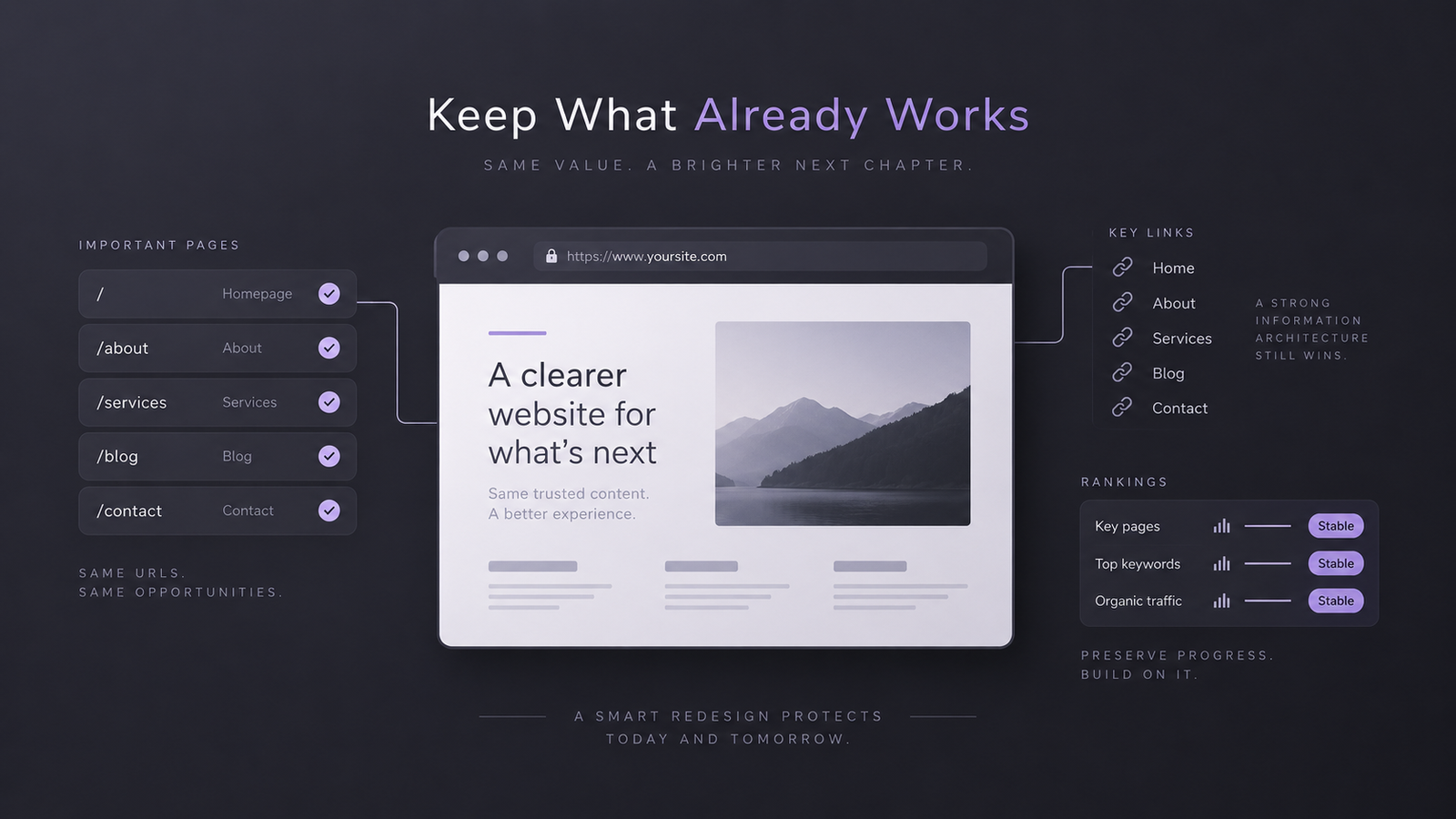
2. Keep Existing URLs Whenever Possible
One of the easiest ways to reduce migration risk is surprisingly simple:
Don’t change URLs unless there is a good reason.
If this URL already exists:
example.com/web-design/
I wouldn’t change it to:
example.com/services/website-design-development/
just because the second structure looks newer.
There may be valid reasons to restructure URLs, but changing them should be a deliberate SEO decision rather than a design decision.
3. Create a Redirect Map Before Launch
When a URL genuinely needs to change, I map the old URL to the most relevant new page.
For example:
/old-service/ → /new-service/
Google recommends server-side permanent redirects such as 301 or 308 redirects for permanent URL moves. It also recommends sending users directly to the final destination instead of creating unnecessary redirect chains.
I also avoid redirecting dozens of unrelated deleted pages to the homepage. Google warns that irrelevant redirects can potentially be treated as soft 404s.
For important migrations, Google recommends keeping redirects in place for at least one year, and keeping them longer can still benefit users following old links.
4. Protect Content That Already Performs
A redesign sometimes turns into a complete rewrite.
That can be risky.
If a page already ranks for valuable searches, I first understand why that page is working before replacing everything.
I review its search intent, headings, main content, supporting sections, title tag, internal links and position within the website.
That doesn’t mean old content should never change.
If the new version can genuinely answer the searcher’s question better, improve it.
Google continues to recommend people-first content that demonstrates useful knowledge and first-hand expertise.
The mistake is rewriting everything purely because the design changed.
5. Rebuild the Internal Linking Structure Carefully
Internal links are easy to forget during redesigns.
But they help users navigate the website and help search engines discover and understand important pages.
Google recommends using crawlable links, normally <a> elements with an href, and says important pages should receive internal links from other pages on the site.
During the redesign, I check navigation links, contextual links inside content, breadcrumbs, footer links and links pointing to URLs that are being redirected.
Whenever possible, I update internal links directly to their final URLs instead of relying on redirects.
6. Check the Technical SEO Before Launch
This is the stage where small mistakes can create big problems.
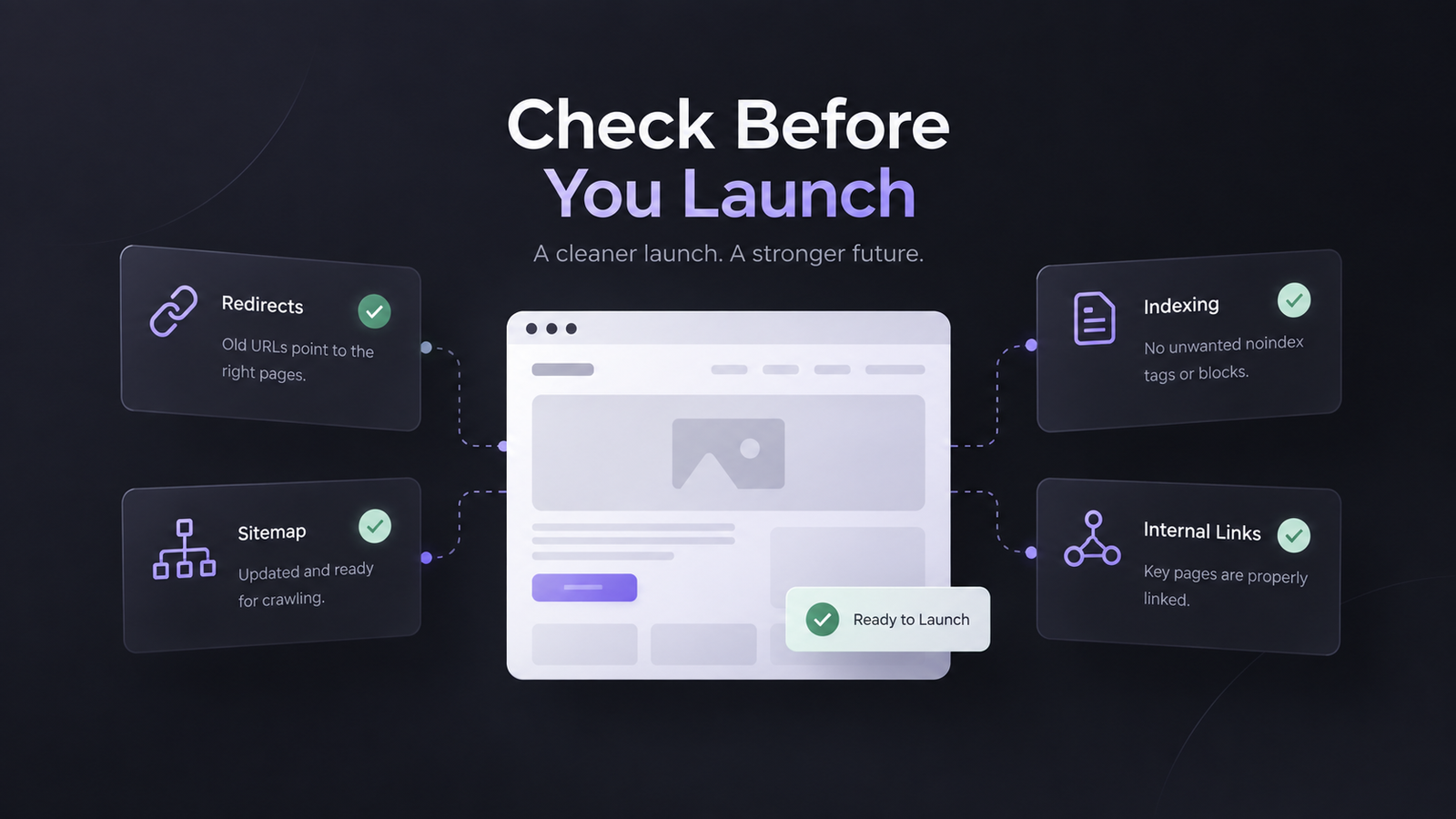
I check the redesigned website for canonical tags, indexability, robots.txt rules, status codes, XML sitemap URLs, HTTPS, structured data and mobile rendering.
Staging websites are often intentionally blocked from search engines during development.
That is fine.
The problem happens when the website launches and someone forgets to remove the noindex tag or robots.txt restriction.
Google specifically lists forgotten noindex directives and robots.txt blocks as common migration problems.
Canonical URLs also need checking because Google uses signals including redirects, sitemap URLs and canonical annotations when determining the preferred version of a page.
7. Use the Redesign to Improve Website Experience
A redesign is also a good opportunity to improve performance.
I look at loading speed, responsiveness, layout stability, mobile usability and unnecessary scripts.
Google’s current Core Web Vitals guidance recommends aiming for:
- LCP: within 2.5 seconds
- INP: below 200 milliseconds
- CLS: below 0.1
Google also makes an important point: good Core Web Vitals alone do not guarantee high rankings. They are part of the wider page experience.
So I optimise performance for both users and search engines, rather than chasing a perfect performance score.
8. Monitor the Website After Launch
SEO work doesn’t finish when the redesigned website goes live.
That is when monitoring becomes important.
After launch, I check Google Search Console, analytics, important keyword positions, indexed URLs, crawl errors and key conversion pages.
I also submit the updated XML sitemap and inspect important pages through Search Console.
Google notes that small and medium-sized URL migrations can take a few weeks for most URLs to be processed, while larger sites can take longer. Temporary visibility fluctuations during a migration can also happen.
The important thing is knowing what changed so unusual drops can be investigated quickly.
Website Redesign SEO in the Age of AI Search
One thing I would not do in 2026 is rebuild a website around some completely separate “AI SEO” architecture.
Google currently says that websites do not need special AI markup or special machine-readable files to appear in AI Overviews or AI Mode.
The same fundamentals still matter: crawlable pages, good internal linking, useful textual content, strong page experience, relevant images and videos, and accurate structured data.
For me, that makes the goal clearer.
Build the redesigned site properly for people, search engines and modern search experiences at the same time.
My Website Redesign SEO Checklist
Before I approve a redesign launch, I want these areas checked:
- Benchmark current organic traffic and rankings.
- Crawl and save the existing URL structure.
- Identify high-value pages before making changes.
- Keep existing URLs wherever possible.
- Create one-to-one redirects for changed URLs.
- Preserve or intentionally improve ranking content.
- Update internal links to final URLs.
- Check canonicals, robots.txt, noindex rules and structured data.
- Generate and submit the updated XML sitemap.
- Test mobile usability and Core Web Vitals.
- Crawl the new website before launch.
- Monitor Search Console and analytics after launch.
A website redesign shouldn’t mean starting SEO again from zero.
The goal is to preserve what already works and improve everything around it.
Frequently Asked Questions
Can a website redesign hurt SEO rankings?
Yes. Rankings can be affected if important URLs, content, internal links or technical SEO elements are changed incorrectly. A properly planned redesign significantly reduces those risks.
Should I change URLs during a website redesign?
Only when there is a genuine reason. If an existing URL is relevant and performing well, I normally prefer keeping it. When URLs must change, permanent redirects should point old URLs to their closest relevant replacements.
How long does SEO take to recover after a website redesign?
There is no fixed recovery period. Google says small to medium site migrations can take a few weeks for most URLs to move through its systems, while larger websites may take longer.
Are 301 redirects important during a website redesign?
Yes, especially when URLs change permanently. Google recommends permanent server-side redirects such as 301 or 308 redirects for site moves.
Does adding an FAQ section still help SEO?
FAQs can still make a page more useful and answer related questions naturally. However, they should not be added purely to get an FAQ rich result. Google discontinued FAQ rich results in Search starting May 7, 2026.
Final Thoughts
A successful website redesign is not just about making the website look new.
It should leave you with a website that is easier to use, faster, better structured and stronger for future growth without throwing away years of SEO progress.
My approach is simple:
Audit first. Preserve what works. Improve intentionally. Redirect carefully. Test everything. Then monitor the launch.
That is how I approach website redesign SEO without unnecessarily putting existing rankings at risk.