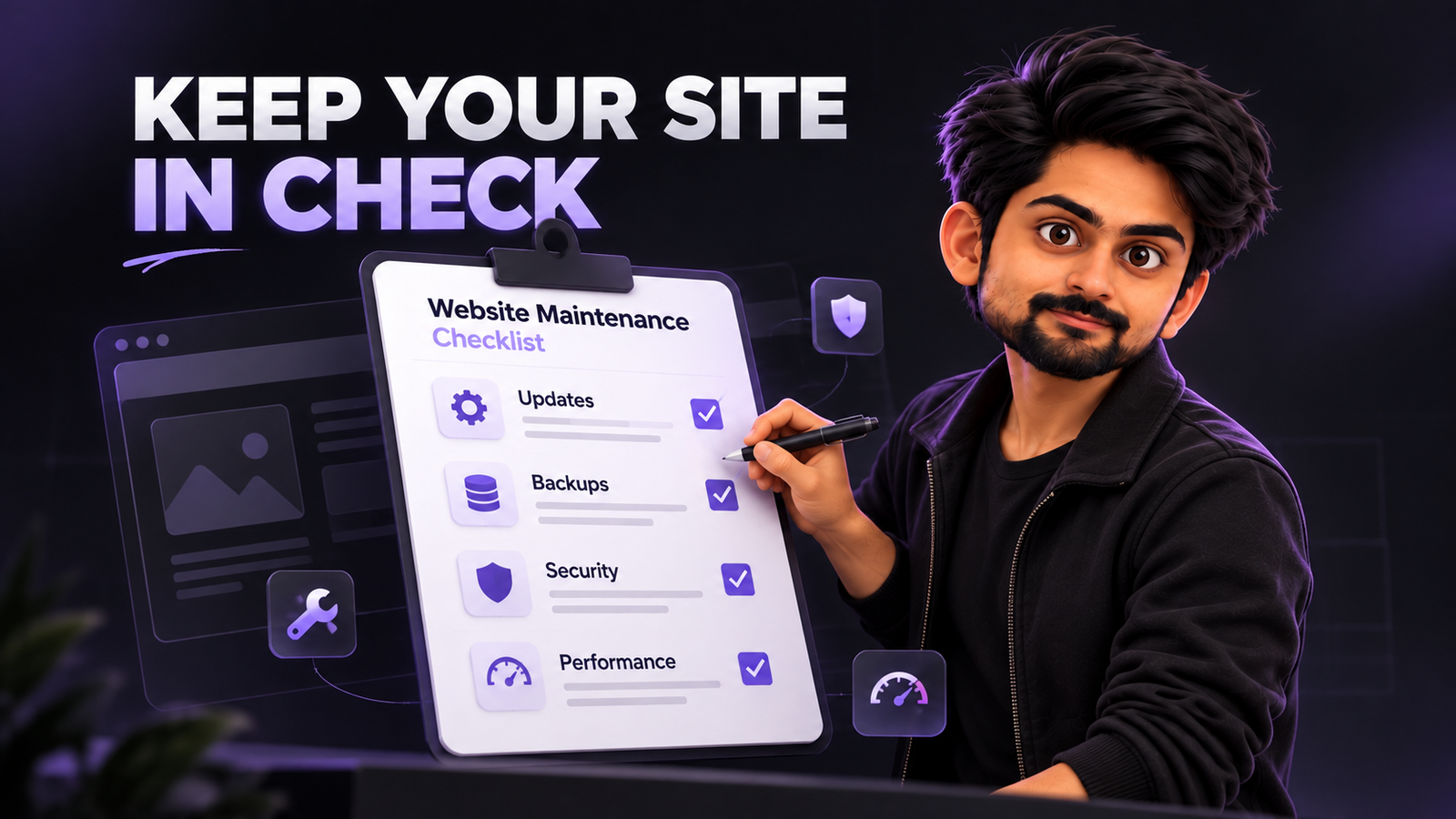
Building a website is only the beginning. Keeping it running properly is where the real responsibility starts.
A website might look perfectly fine today, but that doesn’t mean everything behind it is working as expected. Plugins become outdated, forms stop delivering emails, pages slow down, and small security issues can go unnoticed.
For a small business, these problems can directly affect customer enquiries, sales, and credibility.
Over the years, while building and managing websites, I’ve learned that regular maintenance is much easier than dealing with problems after they happen.
You don’t need to be a developer to understand what needs attention. You just need a structured process.
In this guide, I’ll share a practical website maintenance checklist that small business owners can follow to keep their websites secure, functional, and ready for customers.
What Is Website Maintenance?
Website maintenance is the ongoing process of checking, updating, securing, and improving a website after it goes live.
It includes everything from software updates and backups to performance checks, content updates, and testing important website functionality.
The goal isn’t simply to keep your website online. It’s to make sure it continues serving your business properly.
A good maintenance process covers four important areas:
-
Security and technical stability
-
Website speed and user experience
-
Content and search engine visibility
-
Business functionality and conversions
Ignoring any one of these can create problems over time.
My Practical Website Maintenance Checklist
Here are the essential tasks I recommend including in your website maintenance routine.
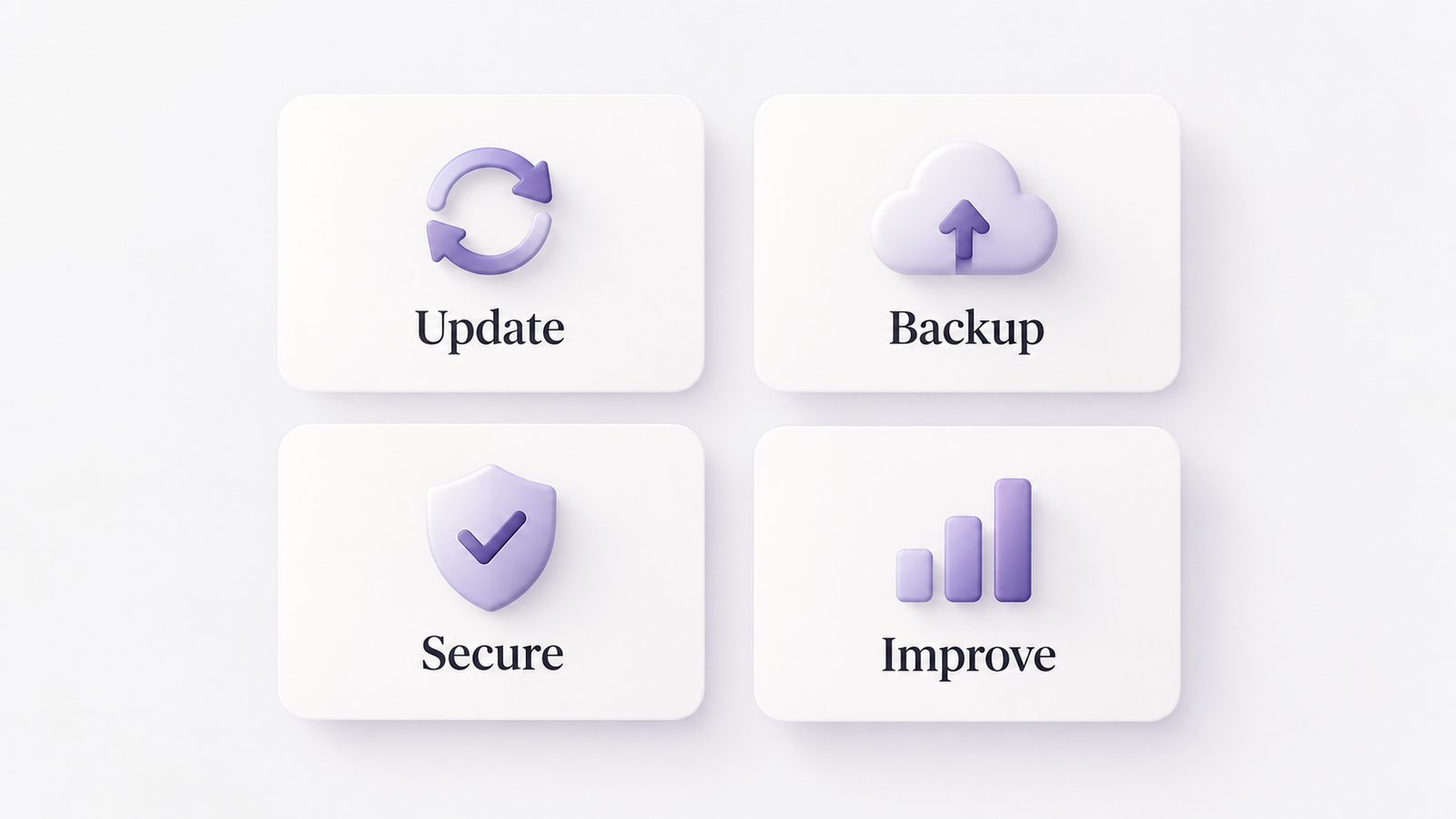
1. Keep Your Website Software Updated
Outdated software is one of the first things I check when reviewing a website.
If your website runs on WordPress, regularly review its core software, themes, and plugins. For Shopify or other managed platforms, review apps, integrations, and available theme updates.
Before updating anything:
-
Create a complete backup.
-
Check compatibility with existing functionality.
-
Test significant updates on a staging website.
-
Verify important pages after updating.
WordPress specifically recommends keeping plugins updated and maintaining a current backup before applying updates.
Don’t install every update blindly, especially on websites with custom functionality.
2. Maintain Regular Website Backups
A backup is your recovery option when something goes wrong.
Whether you’re dealing with a failed update, accidental deletion, or security incident, having a recent backup can save considerable time.
Your backup routine should include:
-
Website files and database.
-
Automated backups based on how frequently content changes.
-
Secure storage separate from your live website.
-
Periodic restoration testing.
For an actively updated business website, daily backups may be appropriate. Simpler websites may require less frequent backups.
The important part is verifying that your backups actually work.
3. Review Website Security
Website security should never be treated as a one-time configuration.
Regularly review your website for outdated software, suspicious activity, unnecessary accounts, and exposed access points.
I recommend checking:
-
SSL certificate and HTTPS functionality.
-
Administrator accounts and permissions.
-
Multi-factor authentication.
-
Malware and vulnerability alerts.
-
Firewall and hosting security settings.
Remove unused plugins, themes, and accounts rather than leaving them inactive indefinitely.
Also review who has access to your hosting, domain registrar, website dashboard, and connected services.
4. Monitor Website Speed and Performance
A website can gradually become slower as new scripts, plugins, images, and features are added.
Performance monitoring helps identify these changes before they become major usability problems.
Use tools such as Google PageSpeed Insights and Google Search Console to monitor performance.
Pay attention to Google’s Core Web Vitals:
-
LCP: Loading performance.
-
INP: Responsiveness to user interactions.
-
CLS: Visual stability.
Google recommends LCP within 2.5 seconds, INP below 200 milliseconds, and CLS below 0.1 for a good user experience.
Don’t focus only on achieving a perfect performance score. Focus on improving the actual experience of your visitors.
5. Test Important Website Functionality
A website loading successfully doesn’t mean everything works.
Forms, buttons, integrations, and checkout processes can fail without displaying obvious errors.
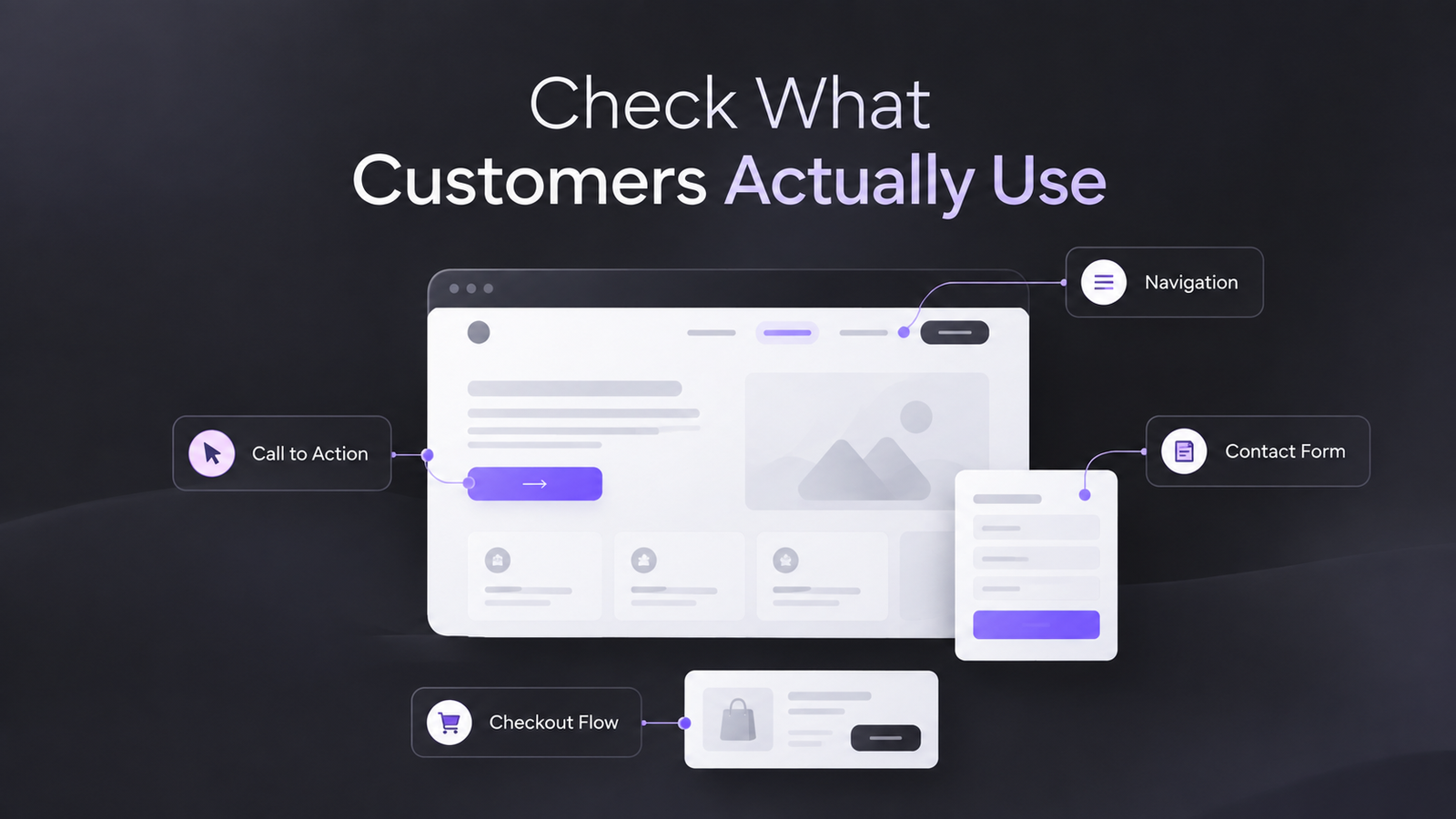
I recommend manually testing:
-
Contact forms and email delivery.
-
Call-to-action buttons.
-
Navigation menus.
-
Search functionality.
-
Booking systems.
-
Checkout and payment flows.
-
Newsletter subscriptions.
For example, a contact form might display a successful submission message while its email notification fails.
This is why testing complete user journeys matters more than checking individual pages.
6. Check Broken Links and Technical SEO
Technical maintenance and SEO are closely connected.
Broken links, incorrect redirects, indexing problems, and missing pages can affect both visitors and search engines.
Your monthly website maintenance checklist should include reviewing:
-
Broken internal and external links.
-
404 errors and redirect chains.
-
XML sitemap.
-
Indexing issues in Google Search Console.
-
Canonical URLs.
-
Important page metadata.
Google recommends using Search Console to investigate crawling problems and ensuring that important pages remain accessible to search engines.
When removing or changing a page URL, implement an appropriate redirect if a relevant replacement exists.
7. Update Website Content
Website maintenance isn’t limited to technical work.
Your content should accurately reflect your current business.
Review your homepage, service pages, pricing, contact information, business hours, and important landing pages.
Also revisit older blog articles to identify outdated information, broken references, and opportunities to improve clarity.
Avoid changing publication dates simply to make content appear fresh. Make meaningful improvements when updates are actually needed.
Google’s Search Essentials recommends creating helpful, reliable, people-first content.
8. Review Mobile Experience
Your website should work properly across different screen sizes.
A desktop design can look excellent while creating difficulties for mobile visitors.
Check important pages on real mobile devices whenever possible.
Pay attention to text readability, button spacing, navigation, image sizing, and forms.
Google includes mobile usability among the important aspects of a good overall page experience.
9. Monitor Analytics and Website Conversions
Maintenance should also include checking whether your website continues supporting your business goals.
Review your analytics and conversion tracking regularly.
Look for unusual changes in traffic, enquiry submissions, purchases, and user behaviour.
Check whether your analytics events, conversion tags, and connected marketing tools are still functioning correctly.
A technically healthy website should also be helping visitors complete the actions that matter to your business.
10. Review Hosting, Domain, and Renewals
Some website problems happen outside the website itself.
Expired domains, failed hosting renewals, and incorrect DNS changes can make an otherwise healthy website unavailable.
Keep track of:
-
Domain expiration dates.
-
Hosting renewals.
-
SSL certificate renewals.
-
Email service configuration.
-
DNS records.
-
Third-party subscription renewals.
Enable renewal notifications and maintain updated billing information.
How Often Should You Maintain Your Website?
Not every website maintenance task requires daily attention.
I prefer dividing maintenance into smaller routines based on how frequently something needs to be checked.
| Frequency | Maintenance Tasks |
|---|---|
| Daily | Uptime monitoring, security alerts, automated backups |
| Weekly | Software updates, form testing, functionality checks |
| Monthly | Speed, broken links, SEO, analytics, mobile usability |
| Quarterly | Content audits, security reviews, backup restoration |
| Annually | Hosting, domain, renewals, overall website assessment |
This schedule is a starting point. E-commerce websites and high-traffic platforms may require more frequent monitoring.
Common Website Maintenance Mistakes to Avoid
Even with a checklist, certain mistakes can create unnecessary problems.
The most common ones I recommend avoiding are:
-
Updating plugins without creating backups.
-
Assuming automated backups are always recoverable.
-
Ignoring security notifications.
-
Adding unnecessary plugins and third-party scripts.
-
Making major changes directly on the live website.
-
Checking the homepage while ignoring internal pages.
-
Forgetting to test forms after technical updates.
One important principle I follow is to treat every significant website change as something that needs verification.
A successful update notification doesn’t necessarily mean the entire website is functioning correctly.
Should You Handle Website Maintenance Yourself?
For a simple website, business owners can manage basic tasks such as content updates, checking forms, and reviewing analytics.
However, security configuration, database management, major software updates, and technical troubleshooting often require developer support.
My suggestion is to understand the maintenance process even if someone else handles the implementation.
You should know what is being maintained, how frequently backups are taken, and what happens if something goes wrong.
Having that visibility makes it easier to manage your website as a business asset rather than depending entirely on someone else.
Frequently Asked Questions
What is included in a website maintenance checklist?
A website maintenance checklist includes software updates, backups, security monitoring, performance optimization, broken link checks, content updates, SEO reviews, and functionality testing.
How often should a small business website be maintained?
Basic monitoring should happen regularly, while technical reviews can be scheduled weekly or monthly. The frequency depends on your website’s complexity, traffic, and business requirements.
Why is website maintenance important for SEO?
Regular maintenance helps identify broken links, crawling errors, performance issues, and outdated content. These checks support a website’s accessibility and overall search experience.
Can I maintain my website myself?
Yes. Small business owners can handle basic content updates, backups, and functionality checks. More complex technical tasks may require professional assistance.
How much does website maintenance cost?
Costs vary depending on the platform, website size, integrations, and support requirements. A simple informational website generally requires less maintenance than a custom application or e-commerce store.
What happens if I don’t maintain my website?
Over time, outdated software, broken functionality, security vulnerabilities, and performance problems may develop. These issues can affect user experience and business operations.
Final Thoughts
Your website isn’t something you build once and forget about.
It needs regular attention to remain secure, functional, and useful to your customers.
A structured website maintenance checklist helps you identify problems early, maintain technical stability, and avoid unnecessary disruptions.
You don’t necessarily need to spend hours maintaining your website every day. You need a reliable process that covers the important areas consistently.
From my experience, preventing website problems is usually much easier than fixing them after they affect your business.
And the more your business depends on its website, the more important that process becomes.