A website can have useful articles and still struggle to get them discovered. Sometimes the problem isn’t the writing or keywords. It’s how the content is connected.
I see internal linking as part of content planning, not something to remember after publishing. An isolated article gives readers fewer reasons to explore and search engines fewer paths to find it.
My approach to an internal linking strategy is simple: give every important page a clear purpose, connect related topics, and make the next useful page easy to find.
Why Internal Linking Matters for SEO
Internal links connect pages within the same website. They help visitors move between related information and help search engines discover pages and understand their context.
Google’s official link guidance recommends descriptive anchor text and contextual links to important pages. Links also signal relevance.
developers.google.com
But internal linking isn’t a shortcut to rankings. A weak page doesn’t become valuable just because ten other articles point to it. The destination still needs to answer a real question.
Internal links provide the structure supporting good content. Without it, a useful content library becomes harder to navigate.
I Start With Topics, Not Individual Blog Posts
One mistake I try to avoid is publishing articles as isolated pieces.
Let’s say a website covers WordPress website optimization. Rather than writing unrelated posts whenever a keyword looks interesting, I would map the larger subject first.
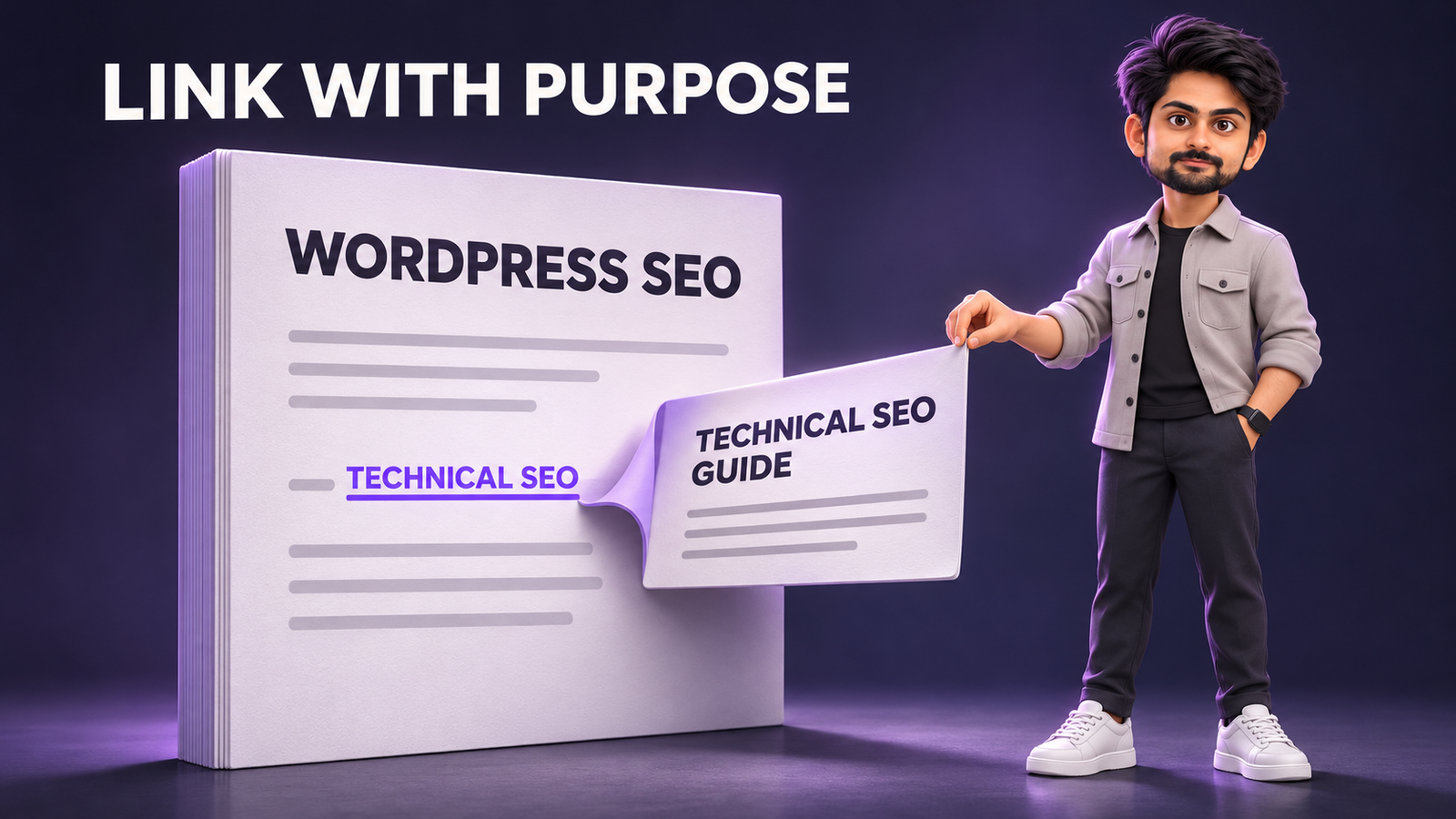
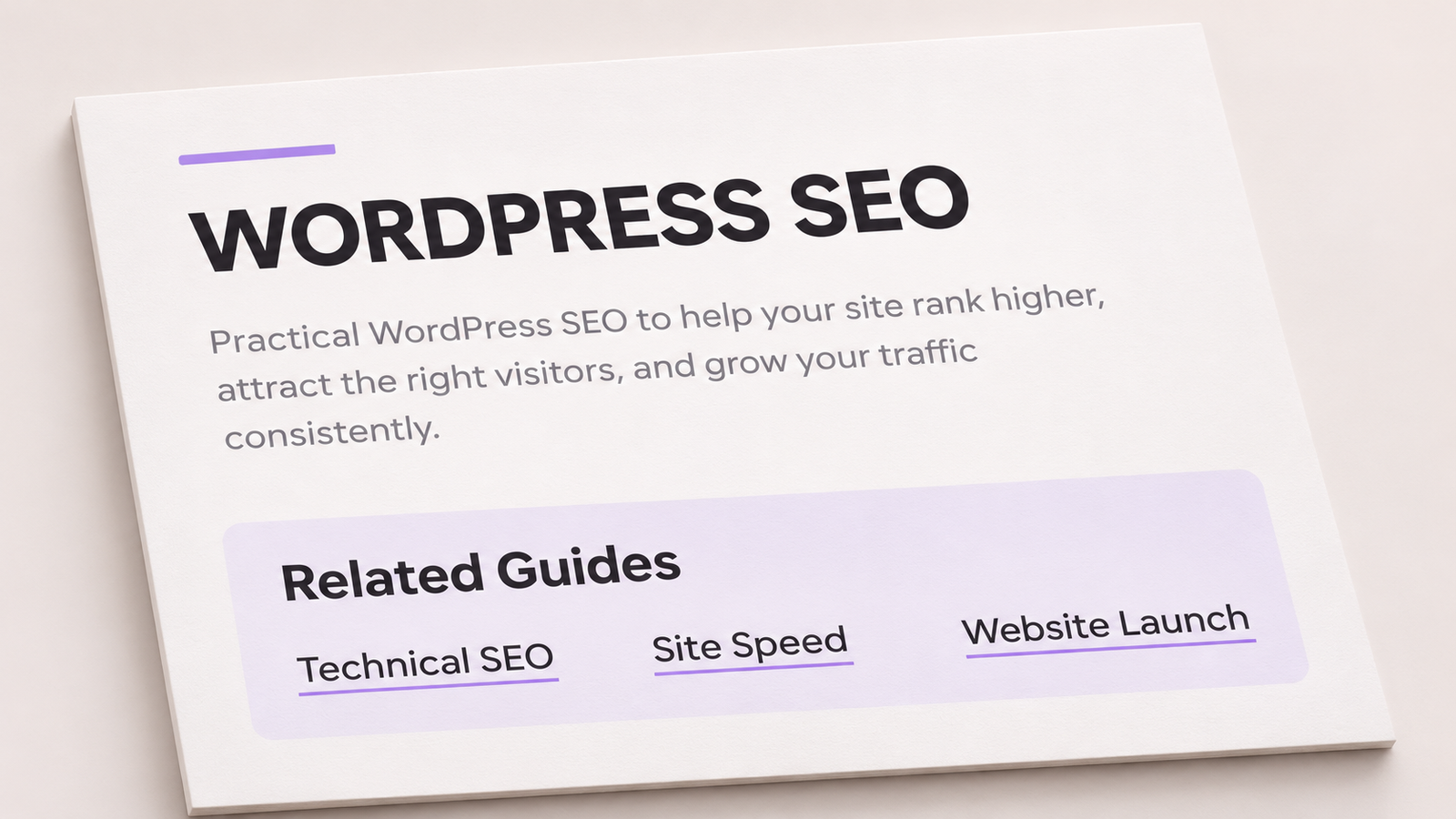
A main guide might introduce optimization, while supporting articles cover technical SEO for WordPress, WordPress speed optimization, and website launches.
Each article serves its own search intent. The main guide points to deeper answers, while supporting articles link back or to one another where useful.
People often call this a topic cluster or hub-and-spoke model. I don’t think the name matters much. What matters is that the relationships between pages are obvious.
How I Build an Internal Linking Strategy
1. Give Every Important Page a Clear Purpose
Before adding links, I look at what each page is supposed to achieve.
Is it a broad guide, a specific tutorial, a comparison, a service page, or a page answering one frequently asked question?
Articles targeting nearly identical questions can overlap. More links won’t fix that. Sometimes it’s better to update, merge, or differentiate the pages.
I start with a simple list of URLs, their primary topics, search intent, and the important pages they could support.
2. Connect Broad Guides With Specific Answers
A broad article introduces a subject and points to detailed resources. A detailed article should still answer its specific question independently.
For example, someone reading about website SEO might also need to understand redirects, indexing, or performance. Those are natural opportunities to connect content.
I prefer links that continue a reader’s journey, not links between pages that merely share a keyword.
3. Prioritize Pages That Actually Matter
Not every URL needs equal attention.
I usually prioritize important service pages, useful evergreen guides, high-intent articles, and pages that deserve more visibility but are buried within the site.
Links from well-visited articles can help people discover them. But I wouldn’t force service-page links into unrelated paragraphs.
The page being linked should make sense at that exact point in the article.
4. Write Anchor Text for People
Anchor text is the clickable text of a link. It tells the reader what to expect before opening another page.
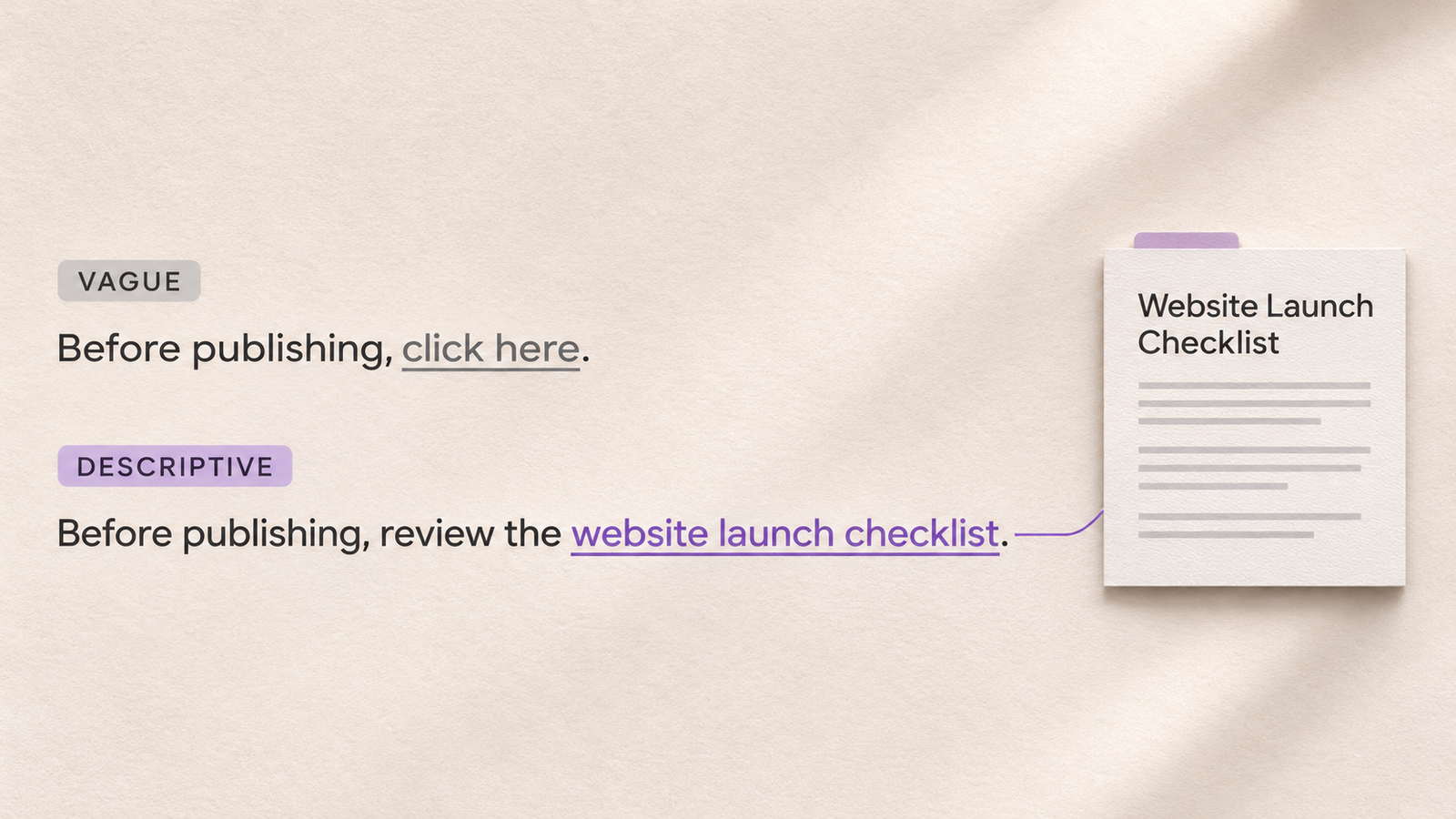
I avoid vague phrases such as click here or read more when a descriptive phrase would work better.
For example, instead of writing, “Click here for my checklist,” I’d write, “I also review internal links as part of my website launch checklist.”
That gives context without repeating an exact-match keyword. Natural variations are fine. The goal is clarity.
5. Find Pages With Too Few Internal Links
An orphan page has no discoverable internal links pointing to it. A page can also be technically linked but buried so deeply that readers rarely reach it.
I review pages difficult to find through navigation, category pages, or related articles. Then I look for natural contextual links.
For larger websites, I compare a site crawl with the XML sitemap and known URLs to find pages that the crawler cannot reach. The crawl also reveals deeply nested pages. Google Search Console’s Links report shows internal linking data, although it provides a sample rather than a complete crawl.
Search Console Help
I don’t chase an arbitrary click-depth rule. I care about whether important information is reasonably easy to reach.
6. Make Linking Part of Publishing and Maintenance
Whenever a new article goes live, I check two things:
-
Which existing pages would genuinely help someone reading this article?
-
Which older articles should now link to the new one?
The second question is easy to miss. New posts often link to old posts, while the older content never gets updated.
Over time, that creates a growing archive where newer resources remain harder to discover. Periodic reviews help. I also treat broken links and outdated content as part of ongoing website maintenance, not as separate SEO emergencies.
7. Check That Search Engines Can Follow the Links
A link should work for visitors and be readable by crawlers. For standard navigation and contextual links, I use real HTML anchor elements with an href attribute.
I also check that links point to the preferred live URL, don’t pass through unnecessary redirects, and don’t lead to deleted or accidentally noindex pages.
On JavaScript-heavy sites, I verify important links exist as crawlable anchors, not only click events.
What About Internal Linking for AI Search?
AI Overviews and AI Mode have changed the way people discover information, but I wouldn’t invent a separate internal linking formula for them.
Google’s AI features guidance says established SEO practices still apply, including making content findable through internal links. It does not require special AI-specific markup to appear in those features.
developers.google.com
My takeaway is straightforward: create useful pages with clear answers, connect related information, and keep the important content accessible. That is sensible architecture regardless of how someone discovers the page.
Internal Linking Mistakes I Avoid
-
Adding links just to reach a target number. Google doesn’t prescribe an ideal number of internal links per article.
-
Linking every mention of a keyword. Repetition can distract readers and make the article feel unnatural.
-
Sending every article to the homepage. Relevant deeper pages often provide a more useful next step.
-
Ignoring older content. Updating existing posts can create better connections than publishing another isolated article.
-
Using broken or redirected destinations. Internal links should lead directly to useful, current pages.
How I Know Whether the Structure Is Working
I don’t judge internal linking by the number of links added.
I review whether important pages are discoverable, whether users move naturally to related content, and whether Search Console shows changes in indexing, impressions, and clicks over time.
Traffic changes for many reasons, so improvement after adding links doesn’t prove the links caused it.
The real objective is a website where every useful page has a place and readers can find the next answer without starting their search again.
Frequently Asked Questions
What is an internal linking strategy?
An internal linking strategy is a plan for connecting related pages within the same website. It helps visitors navigate content and helps search engines discover and understand important pages.
How many internal links should a blog post have?
There is no universal number. Add links when they provide useful context or help readers reach relevant information. Quality and relevance matter more than meeting a fixed quota.
Do internal links help Google rankings?
They can support SEO by improving discovery, navigation, and signals about page relevance. They don’t guarantee higher rankings, and they cannot replace useful content or sound technical SEO.
Should every blog post link to a pillar page?
No. Link to a broader guide when it is genuinely relevant. Some articles may benefit more from links to a specific tutorial, comparison, or service page.
How often should I audit internal links?
Review them when publishing or significantly updating content, and schedule broader checks based on how quickly the website changes. Larger, frequently updated sites generally need more regular reviews.