As I mentioned in my previous blog, I said I would write a blog about how to effectively manage unread emails, so here I am.
We all have hundreds of unread emails in our inboxes, if not thousands. We subscribe to newsletters or promotions, accidentally check the “Subscribe to marketing emails” box on websites, or sometimes businesses subscribe us without even our consent. God bless them! And selling our data is a whole different topic.
See, I’m not saying newsletters and other stuff are bad. But honestly, most of us read one or two emails from a newsletter at max, and then we forget about it or just procrastinate opening it. Yeah, it happens, and I’m one of them.
And yes, we do unsubscribe after seeing too many emails from a particular newsletter. But after a while, we see some good marketers on social media claiming they’ve created a “5000 ChatGPT Prompt Book,” and to get it, we need to comment “Prompt” on their reel so they can DM us.
Yes, they’ll DM us, but not the book we were expecting. Instead, we get a link where we need to enter our email address to access it. And just like that, we end up subscribing to another newsletter because we didn’t notice the tiny text on the landing page.
So this cycle just keeps going on and on.
Then comes business.
Most of us deal with clients mainly through email, and honestly, it’s still one of the most effective communication methods for professional clients. But many times, these important emails get buried under tons of newsletters and promotional emails.
Although most email platforms like Gmail, Outlook, and Zoho Mail have their own automated filters to separate these emails into different folders, they still don’t work exactly the way we expect, and that’s the harsh truth.
Our most important emails still get buried among all the others.
And me being a business person, I have over 5–6 active email accounts, and honestly, I don’t even know which email has which client’s contact sometimes. I need to deal with these newsletter and promotional emails 5–6x more than a normal single-email user.
Also, as you might already know, I started my journey way too early in life, and I made a very bad mistake by using my personal email for work purposes. Till today, I regret that.
I know I should use my professional email for all work-related things, but even today I still use my personal email to sign up for platforms. Here’s why. Around 90% of my accounts are still linked to my personal email, and if I suddenly switch everything to my work email, it becomes even harder for me to manage.
Anyway, coming to the best part, which is how I manage unread emails.
- Make sure you are logged into your important email accounts on your phone too. Most of us use phones more than desktops these days.
- Turn on notifications only for “High Priority Emails.” You can find this setting in almost all email clients out there. This filters out most promotional and newsletter emails, but not 100%.
- Try to open the email and quickly glance through the content. Don’t spend more than 45–50 seconds on one email.
- If you think you can finish the task instantly when you see the email, then DO IT immediately.
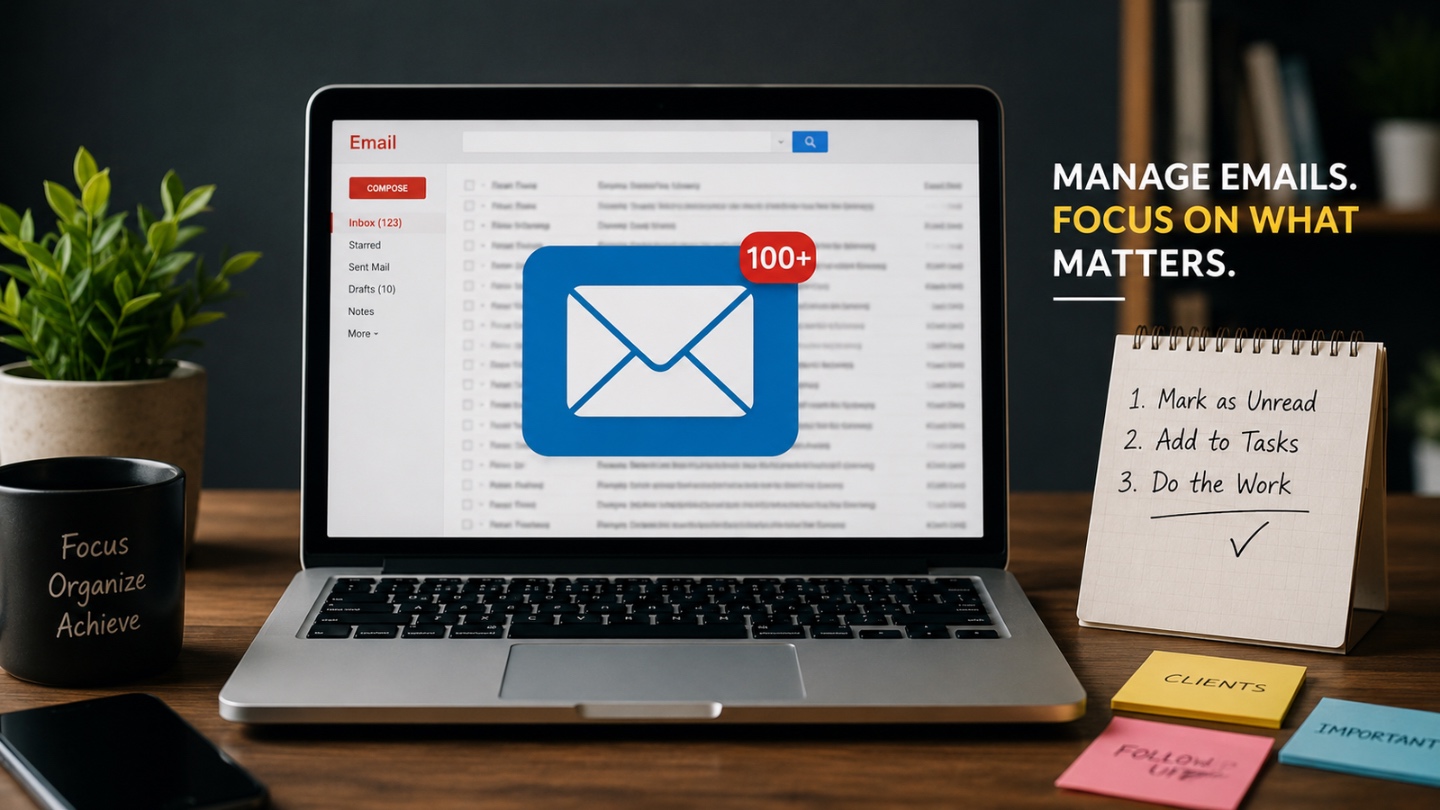
- Or else, just mark the email as unread and add it to your Google Tasks with a date if needed.
- Then once you enter work mode, you can simply check your unread emails or Google Tasks and start working through them.
- Whenever you get free time, just swipe right or left on non-important emails to archive or trash them. You can easily set this up on almost all email apps.
And please don’t try to clear all emails instantly. We are humans, not robots. We have a life outside work too.
Just try to keep your inbox as clean as possible.
So yeah, that’s pretty much it.
Mark as unread → Google Tasks → Work.
And one more important thing, we also need to make sure we reply to our beloved clients as quickly as possible to keep the momentum going. You might already know this already, but client relationship is one of the biggest things in business.
Anyway, I’ll write another blog regarding that topic next.
Till then, stay strong and keep learning.
– Rocky